Notification
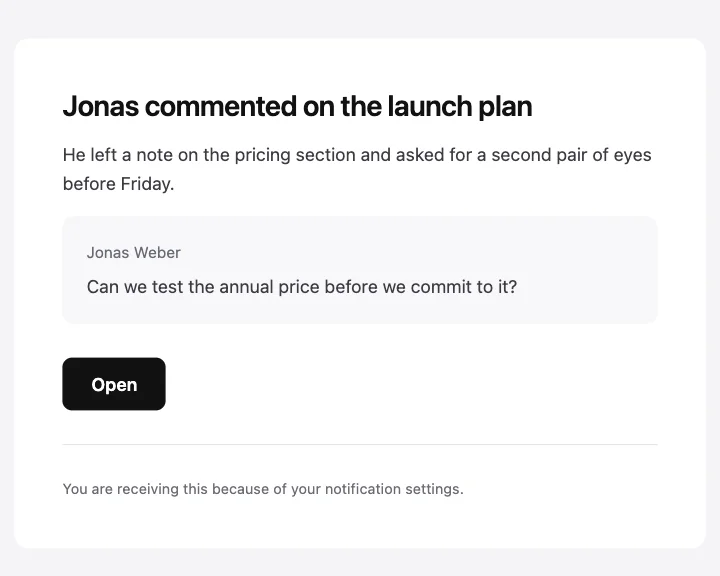
The plain one: a headline, a line of detail, an optional quote and a link.
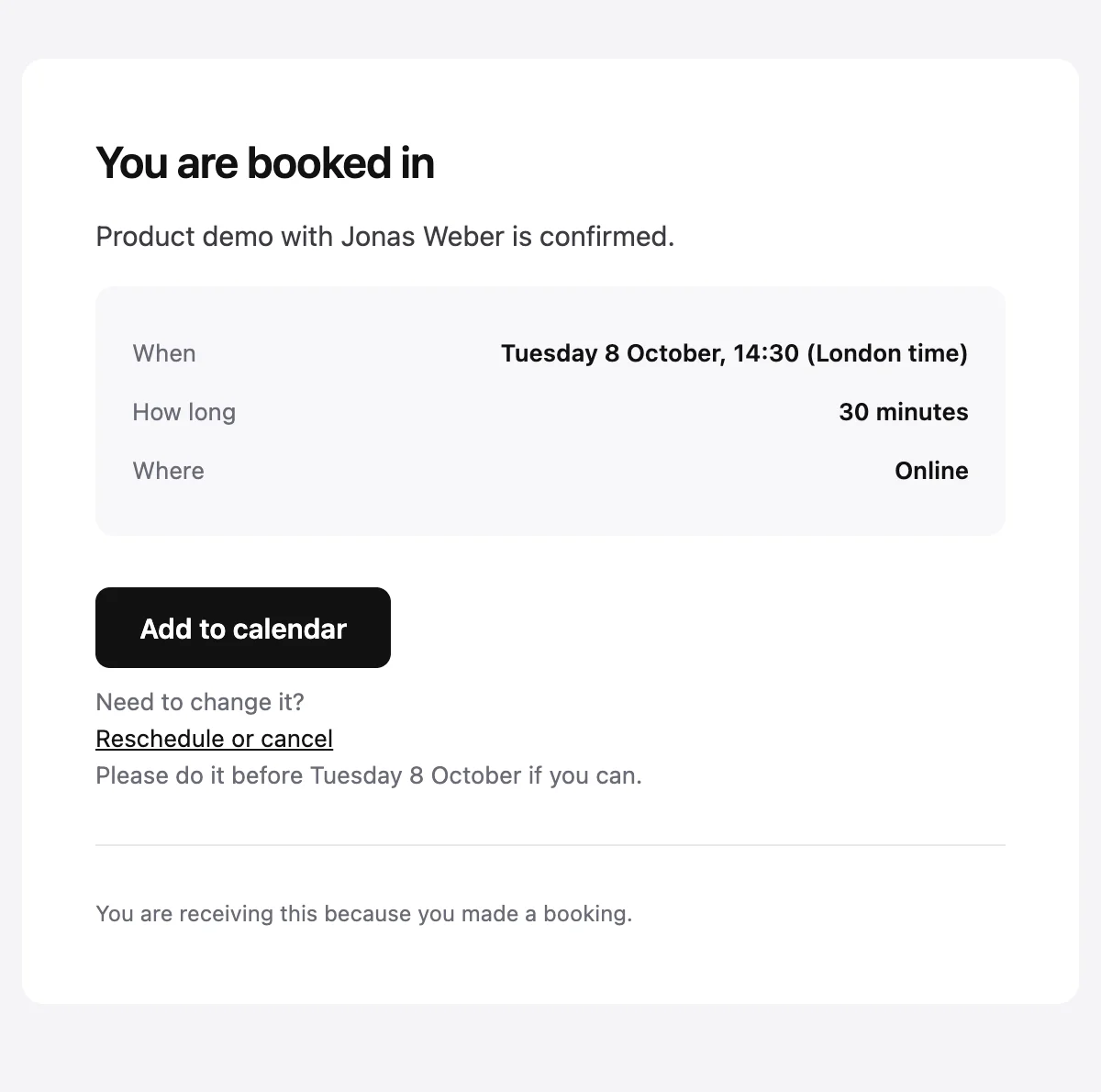
An appointment confirmation with the time zone spelled out and a link to reschedule.
Confirmed: {{eventName}} on {{eventDate}}

You are booked in

{{eventName}} with {{hostName}} is confirmed.

When

{{eventDate}}, {{eventTime}} ({{timeZone}})

How long

{{duration}}

Where

{{location}}

Add to calendar [{{actionUrl}}]

Need to change it?
Reschedule or cancel [{{rescheduleUrl}}]
Please do it before {{eventDate}} if you can.

{{footerNote}}
Shown with sample values. The HTML and plain-text tabs keep the placeholders.
About
Send it when a meeting or appointment is booked. It names the event and the host, gives the date, time, time zone, length and place, and offers one link to add it to a calendar and another to reschedule or cancel.
Values
Required values have to come with every send. The rest fall back to the default shown here.
| Placeholder | Kind | Required | Default |
|---|---|---|---|
{{eventName}} | Text | Required | None |
{{hostName}} | Text | Required | None |
{{eventDate}} | Text | Required | None |
{{eventTime}} | Text | Required | None |
{{timeZone}} | Text | Required | None |
{{duration}} | Text | Optional | 30 minutes |
{{location}} | Text | Optional | Online |
{{actionUrl}} | Link | Required | None |
{{rescheduleUrl}} | Link | Required | None |
{{footerNote}} | Text | Optional | You are receiving this because you made a booking. |
{{unsubscribeUrl}} | Link | Optional | None |
API
Create a template from this design once, then send it with the values for each message.
import { init, nextmail } from '@nextmail/sdk' init({ apiKey: process.env.NEXTMAIL_API_KEY }) const template = await nextmail.templates.create({ name: 'Booking confirmed', starter: 'booking-confirmed', publish: true,}) const sent = await nextmail.templates.send(template.slug, { from: 'Northwind <[email protected]>', to: '[email protected]', props: { eventName: 'Product demo', hostName: 'Jonas Weber', eventDate: 'Tuesday 8 October', eventTime: '14:30', timeZone: 'London time', actionUrl: 'https://example.com/bookings/8812/calendar', rescheduleUrl: 'https://example.com/bookings/8812', },}) console.log(sent.id, sent.status)Notifications
Start from one
Every template opens in the editor as blocks you can move, restyle or delete, and sends through the API with the values filled in.