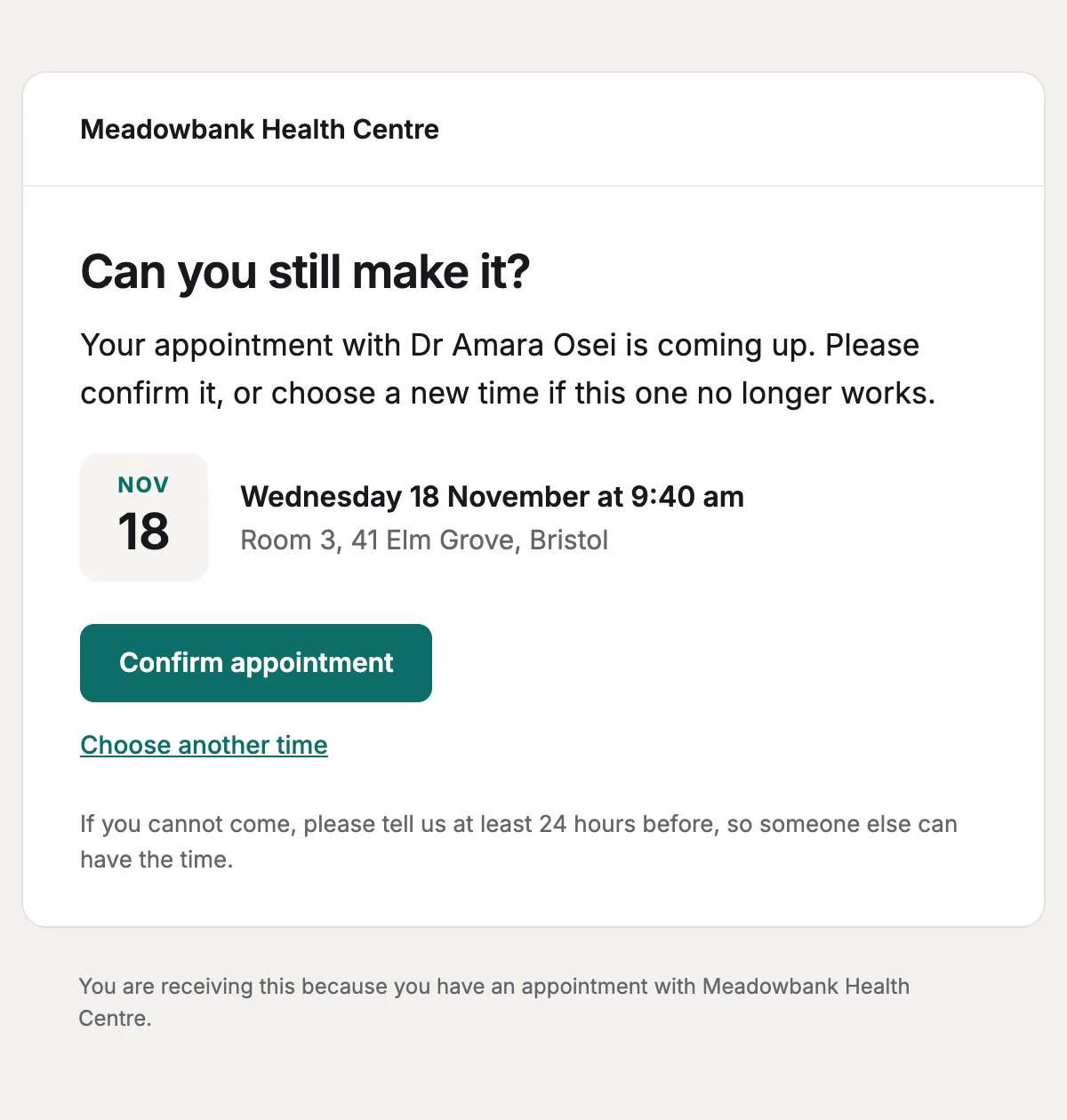
Appointment reminder
A reminder of an upcoming appointment that asks the patient to confirm or reschedule.
6 stylesConfirms an appointment with the clinician, the place or video link, and what to bring.
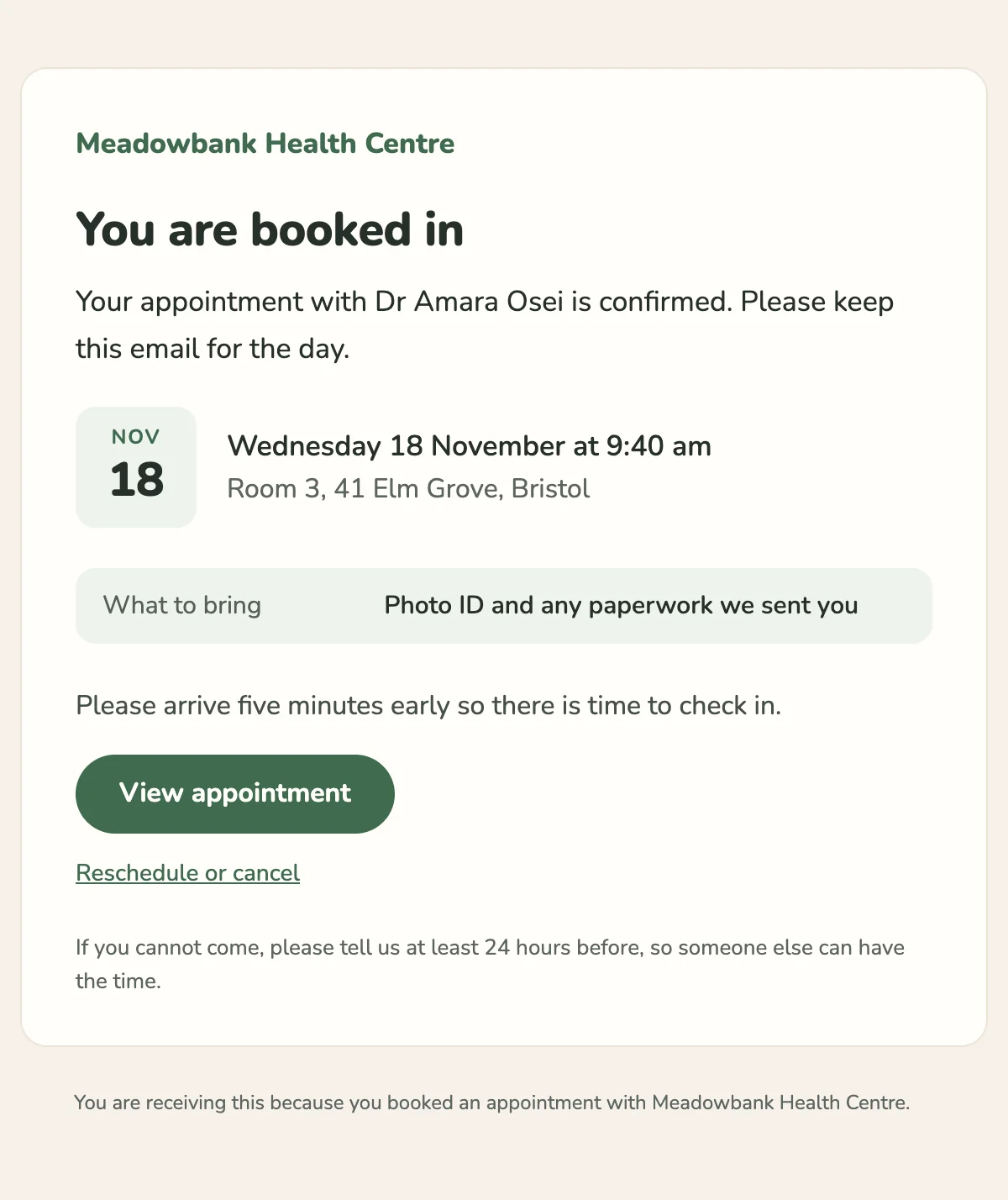
You are seeing {{clinicianName}} at {{appointmentTime}}.

{{clinicName}}

You are booked in

Your appointment with {{clinicianName}} is confirmed. Please keep this email for the day.

{{appointmentMonth}}

{{appointmentDay}}

{{appointmentDate}} at {{appointmentTime}}

{{location}}

What to bring

{{whatToBring}}

{{arrivalNote}}

View appointment [{{appointmentUrl}}]

Reschedule or cancel [{{rescheduleUrl}}]

If you cannot come, please tell us at least {{noticeHours}} hours before, so someone else can have the time.

You are receiving this because you booked an appointment with {{clinicName}}.
Shown with sample values. The HTML and plain-text tabs keep the placeholders.
About
Send it when a patient books. A calendar tile shows the date, time and place, followed by what to bring and an arrival note you can rewrite for video calls. It holds nothing clinical.
13 values to fill
Required values have to come with every send. The rest fall back to the default shown here.
| Placeholder | Kind | Required | Default |
|---|---|---|---|
{{clinicName}} | Text | Required | None |
{{clinicianName}} | Text | Required | None |
{{appointmentDate}} | Text | Required | None |
{{appointmentMonth}} | Text | Required | None |
{{appointmentDay}} | Text | Required | None |
{{appointmentTime}} | Text | Required | None |
{{location}} | Text | Required | None |
{{whatToBring}} | Text | Optional | Photo ID and any paperwork we sent you |
{{arrivalNote}} | Text | Optional | Please arrive five minutes early so there is time to check in. |
{{appointmentUrl}} | Link | Required | None |
{{rescheduleUrl}} | Link | Required | None |
{{noticeHours}} | Text | Optional | 24 |
{{unsubscribeUrl}} | Link | Optional | None |
API
Create a template from this design once, then send it with the values for each message.
import { init, nextmail } from '@nextmail/sdk' init({ apiKey: process.env.NEXTMAIL_API_KEY }) await nextmail.templates.create({ name: 'Appointment confirmed', slug: 'appointment-confirmed', starter: 'appointment-confirmed', publish: true,}) const sent = await nextmail.templates.send('appointment-confirmed', { from: 'Northwind <[email protected]>', to: '[email protected]', props: { clinicName: 'Meadowbank Health Centre', clinicianName: 'Dr Amara Osei', appointmentDate: 'Wednesday 18 November', appointmentMonth: 'Nov', appointmentDay: '18', appointmentTime: '9:40 am', location: 'Room 3, 41 Elm Grove, Bristol', appointmentUrl: 'https://example.com/appointments/88231', rescheduleUrl: 'https://example.com/appointments/88231/reschedule', },}) console.log(sent.id, sent.status)Health and care
A reminder of an upcoming appointment that asks the patient to confirm or reschedule.
6 styles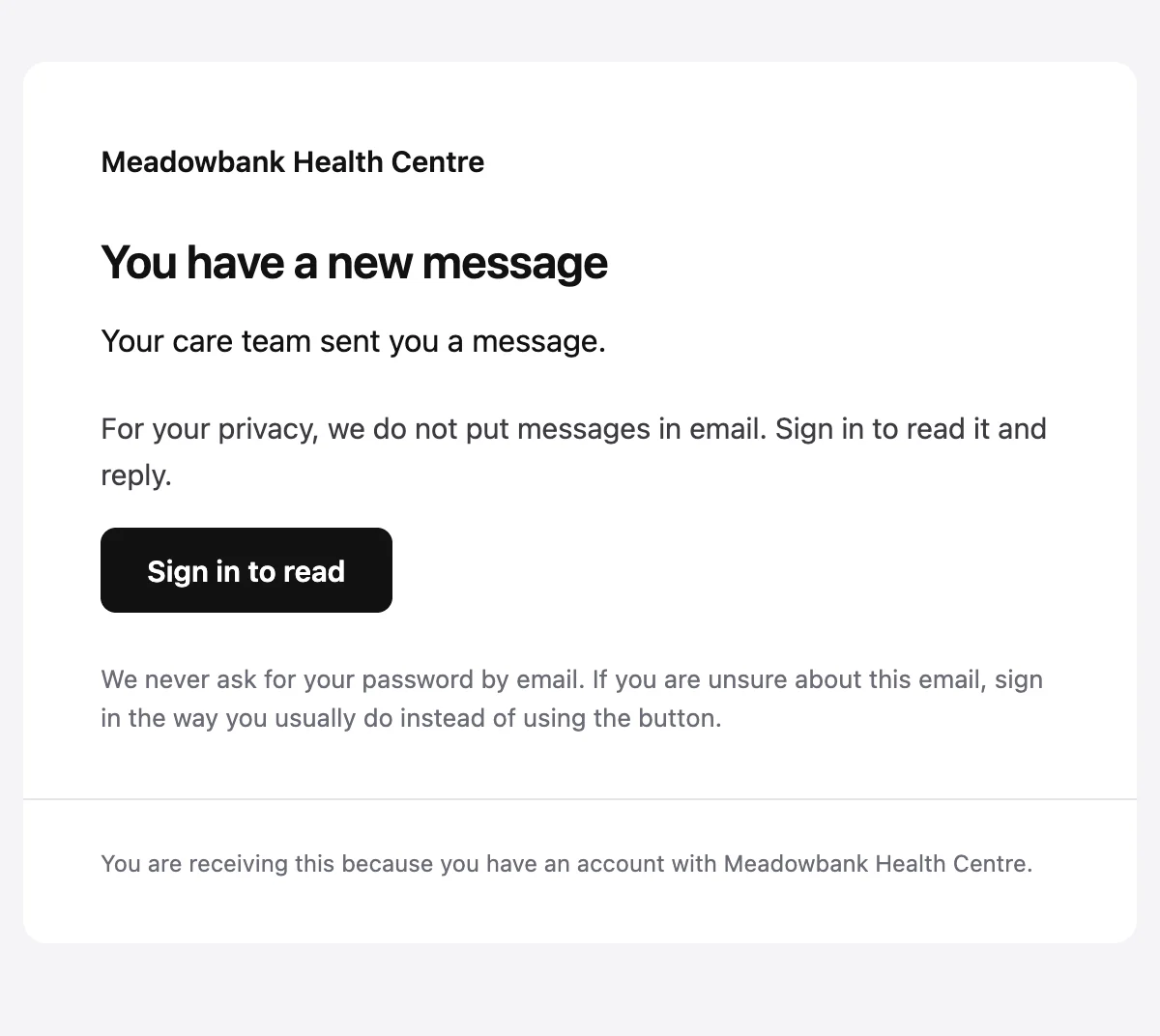
Tells a patient a message is waiting in their account, without putting it in email.
6 styles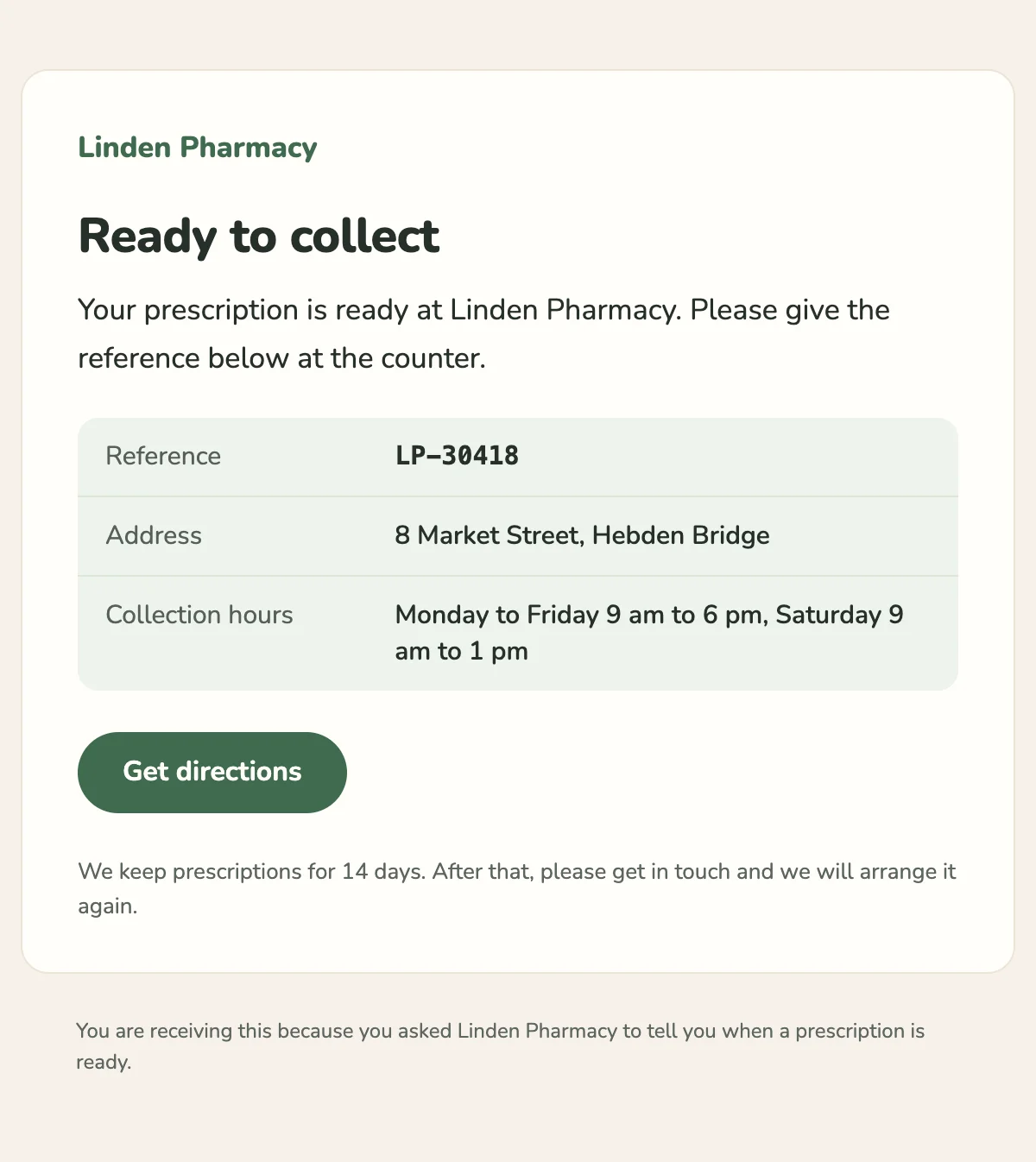
Tells a patient a prescription is ready to collect, with a reference and pickup hours.
6 styles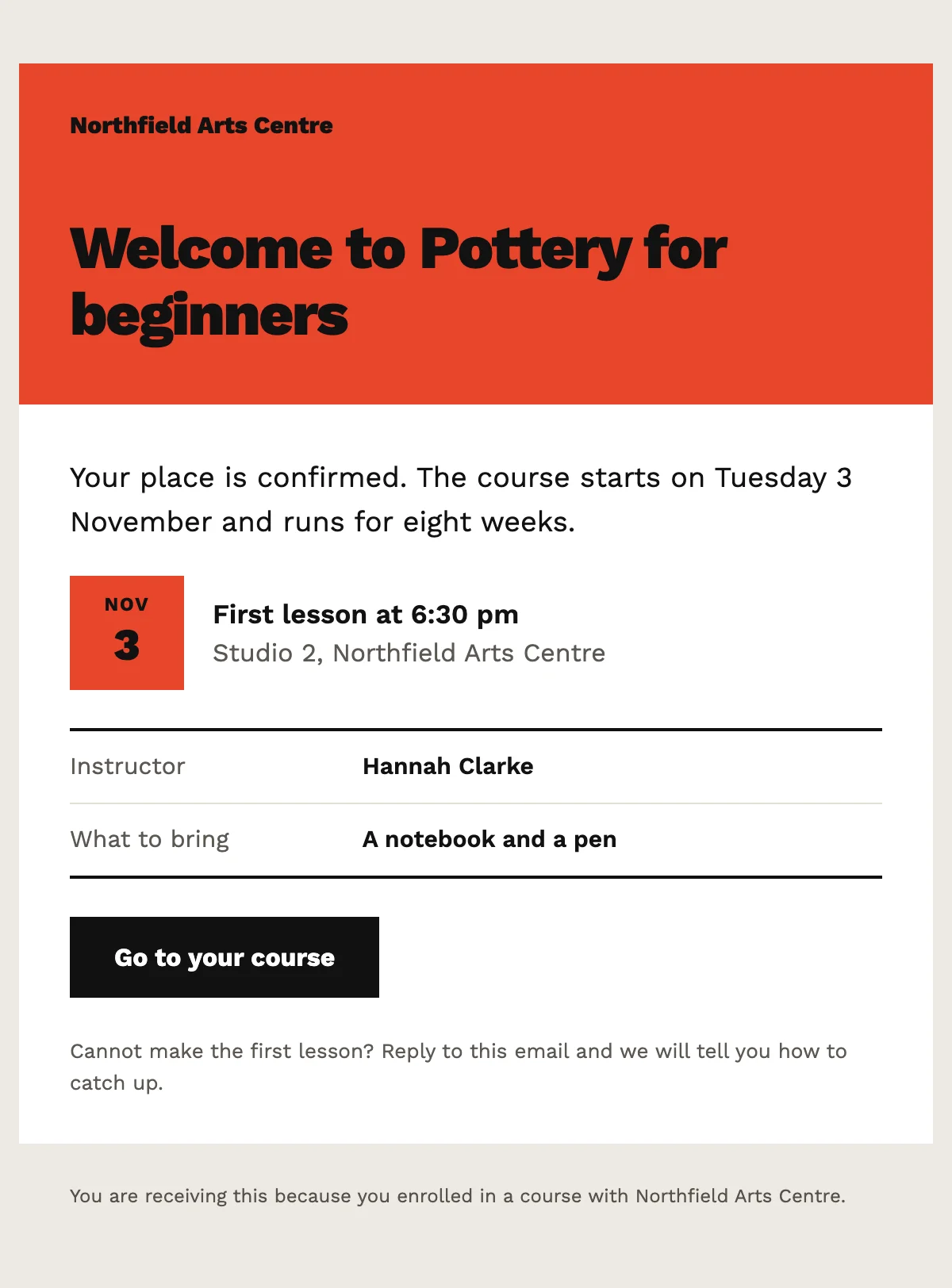
Confirms a place on a course, with the start date and the details of the first lesson.
6 stylesStart from one
Every template opens in the editor as blocks you can move, restyle or delete, and sends through the API with the values filled in.
Fifteen minutes on video with the people who build Nextmail. Free, at a time you choose.
 Google Workspace