Welcome
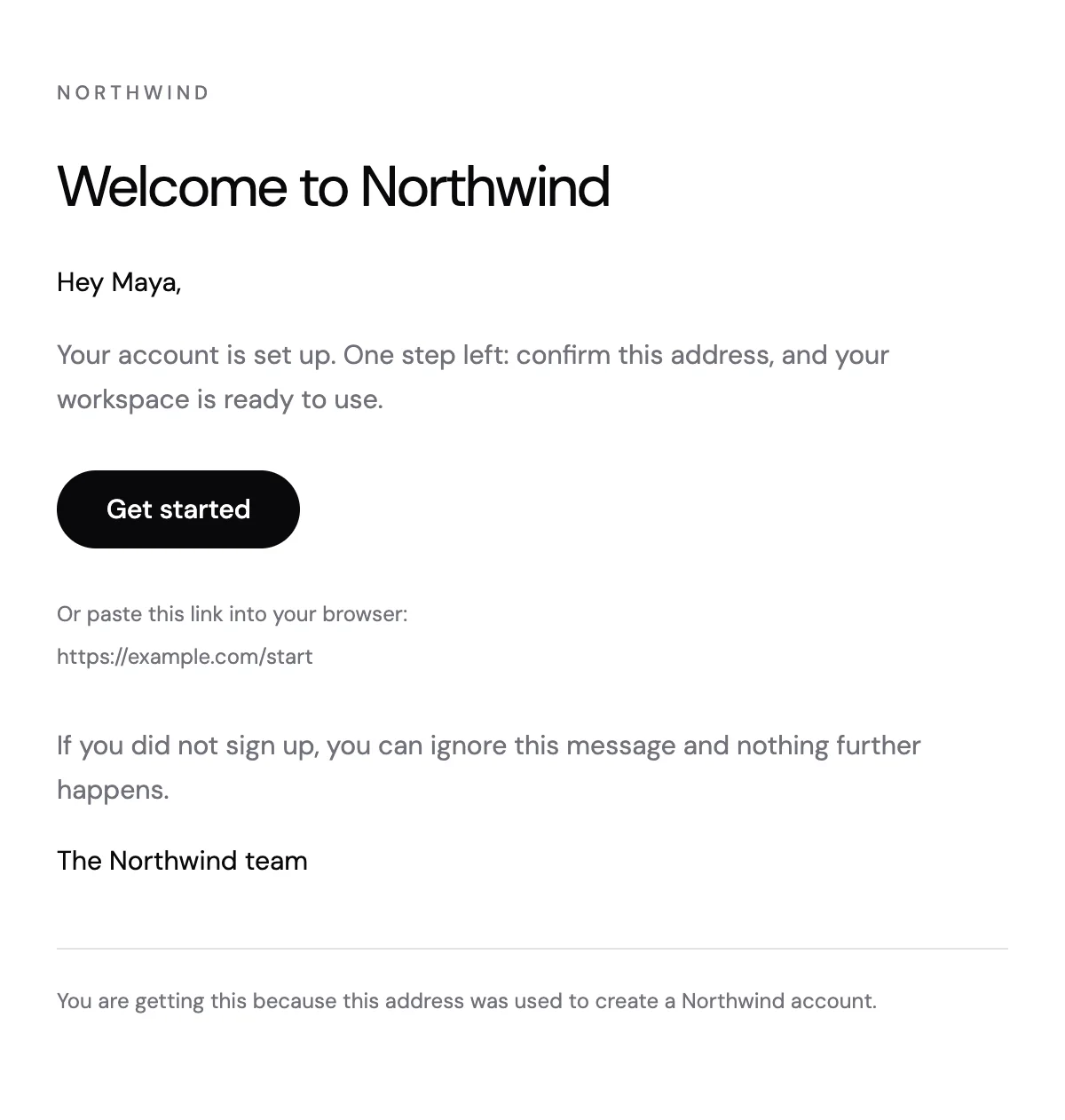
A sign-up welcome with a short greeting, one button to get started and the link written out underneath.
6 stylesA compact welcome in a card, with one button back into the product.
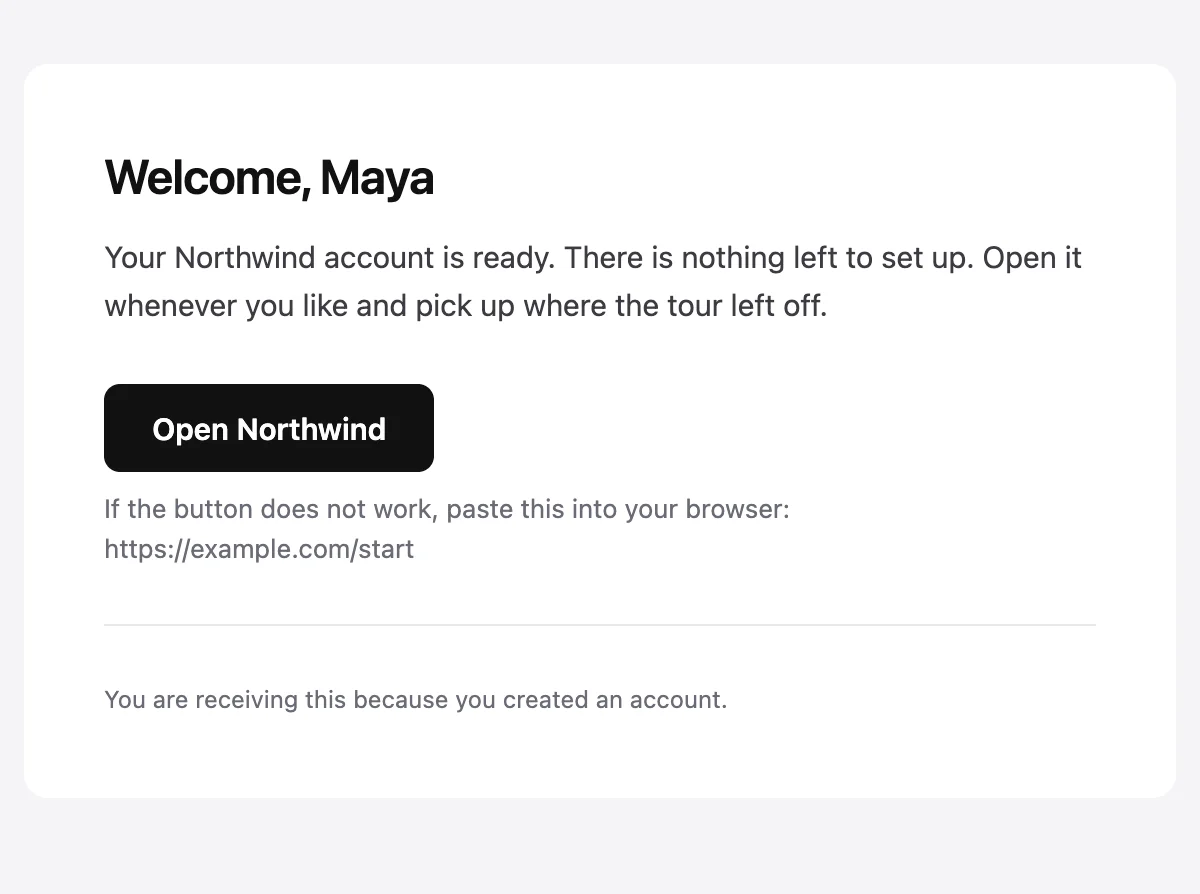
Your {{productName}} account is ready

Welcome, {{firstName}}

Your {{productName}} account is ready. There is nothing left to set up. Open it whenever you like and pick up where the tour left off.

Open {{productName}} [{{actionUrl}}]

If the button does not work, paste this into your browser: {{actionUrl}}

{{footerNote}}
Shown with sample values. The HTML and plain-text tabs keep the placeholders.
About
A shorter welcome for products where the account is ready straight away. It greets the person by name, says there is nothing left to set up, and gives one button back into the product with the link repeated underneath.
5 values to fill
Required values have to come with every send. The rest fall back to the default shown here.
| Placeholder | Kind | Required | Default |
|---|---|---|---|
{{firstName}} | Text | Required | None |
{{productName}} | Text | Required | None |
{{actionUrl}} | Link | Required | None |
{{footerNote}} | Text | Optional | You are receiving this because you created an account. |
{{unsubscribeUrl}} | Link | Optional | None |
API
Create a template from this design once, then send it with the values for each message.
import { init, nextmail } from '@nextmail/sdk' init({ apiKey: process.env.NEXTMAIL_API_KEY }) await nextmail.templates.create({ name: 'Welcome card', slug: 'welcome-card', starter: 'welcome-card', publish: true,}) const sent = await nextmail.templates.send('welcome-card', { from: 'Northwind <[email protected]>', to: '[email protected]', props: { firstName: 'Maya', productName: 'Northwind', actionUrl: 'https://example.com/start', },}) console.log(sent.id, sent.status)Accounts and access
A sign-up welcome with a short greeting, one button to get started and the link written out underneath.
6 styles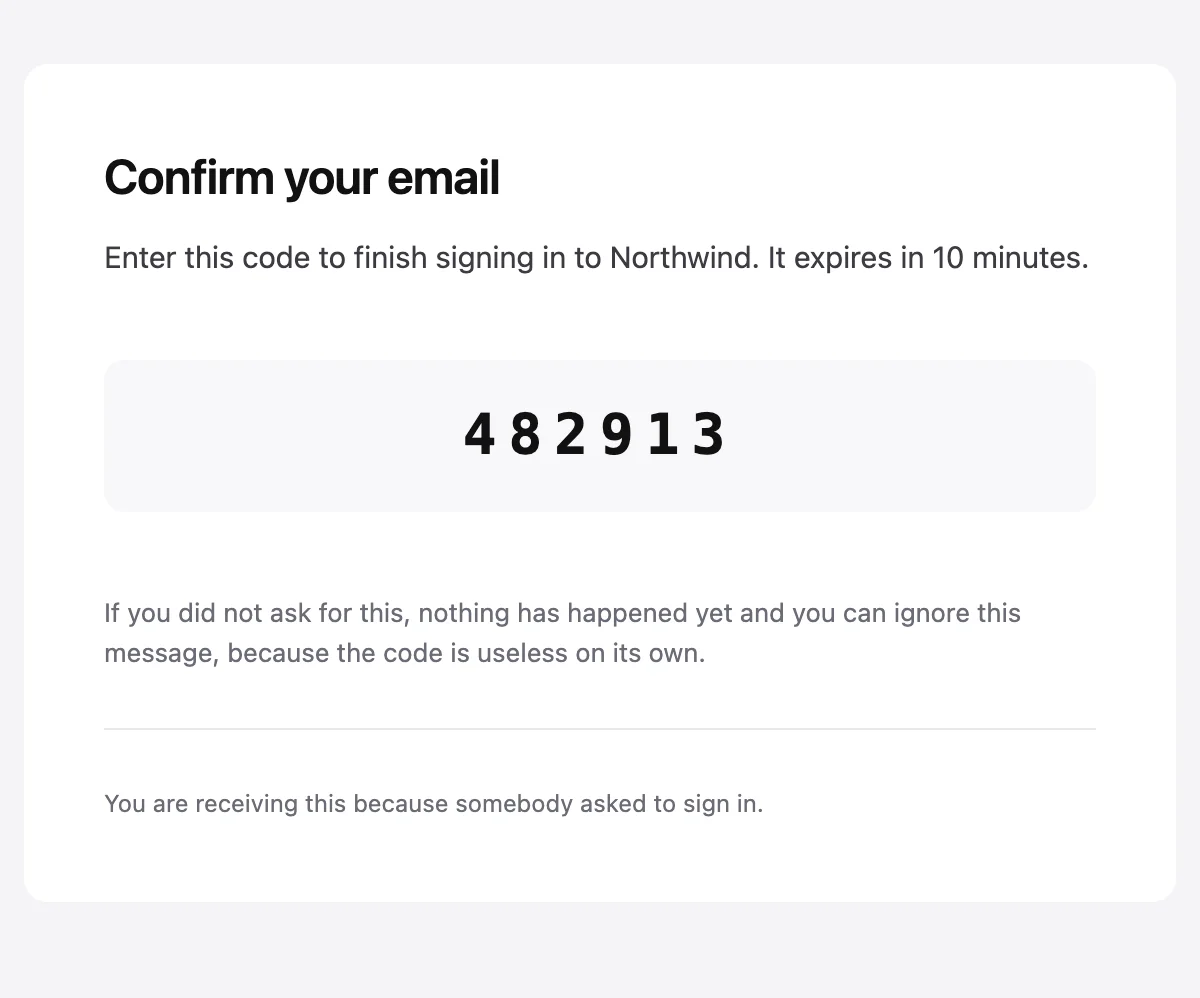
A one-time code set large enough to read from another screen.
6 styles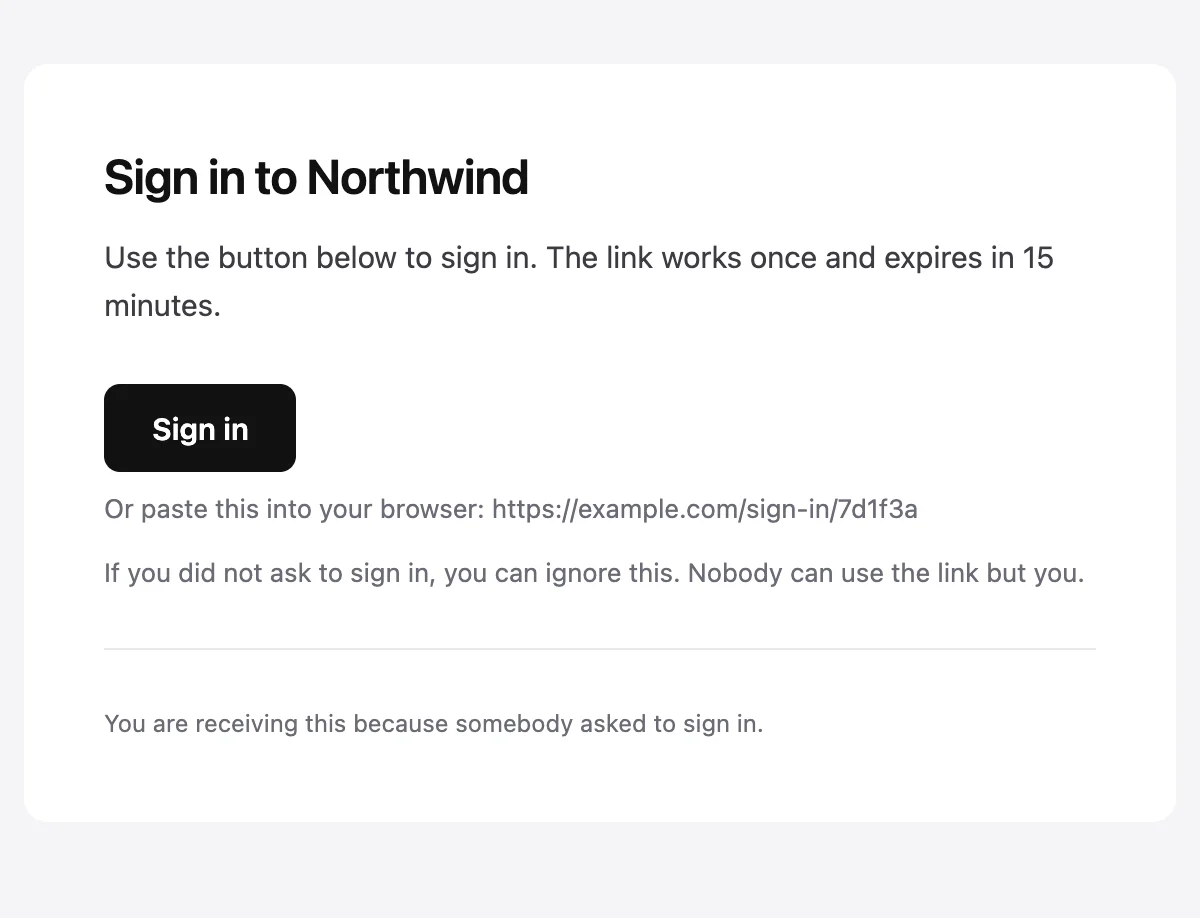
Passwordless sign-in with one button and the link printed as text.
6 styles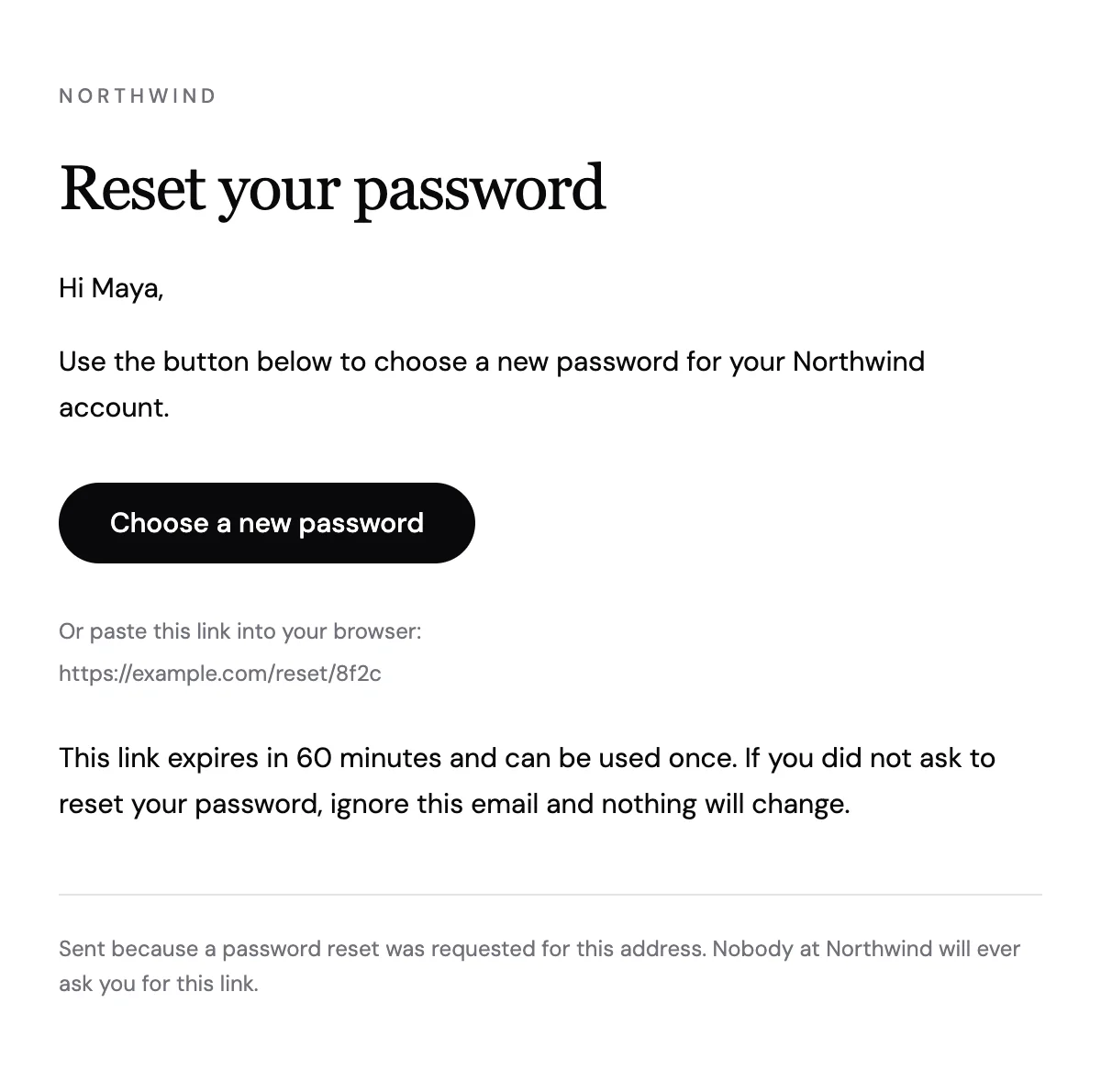
A reset email with one button, a link to paste and a clear expiry.
6 stylesStart from one
Every template opens in the editor as blocks you can move, restyle or delete, and sends through the API with the values filled in.
Fifteen minutes on video with the people who build Nextmail. Free, at a time you choose.
 Google Workspace