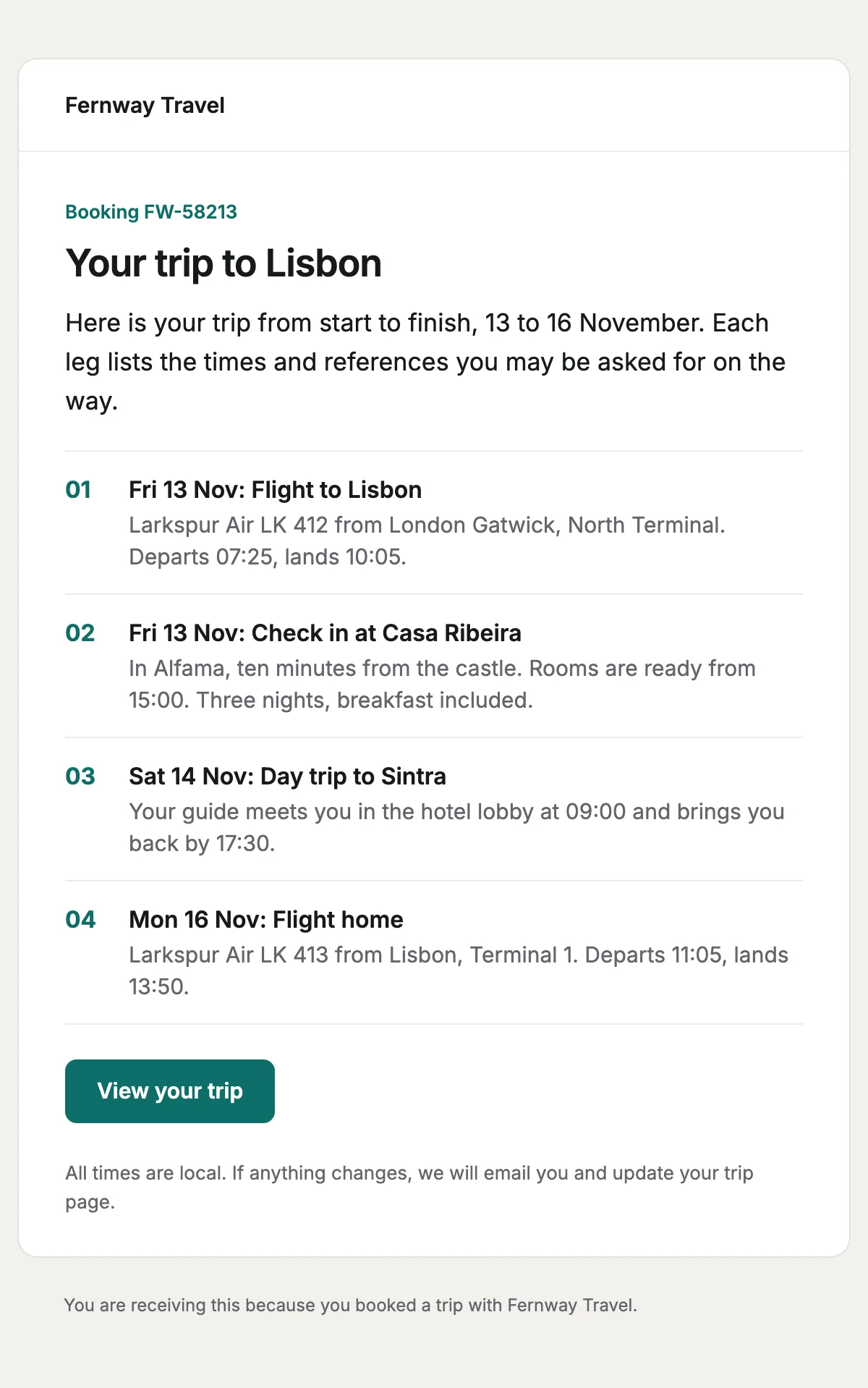
Trip itinerary
Every leg of a trip in date order, with the times and references travellers need.
6 stylesA schedule change with the original and new times, and a choice to accept or change.
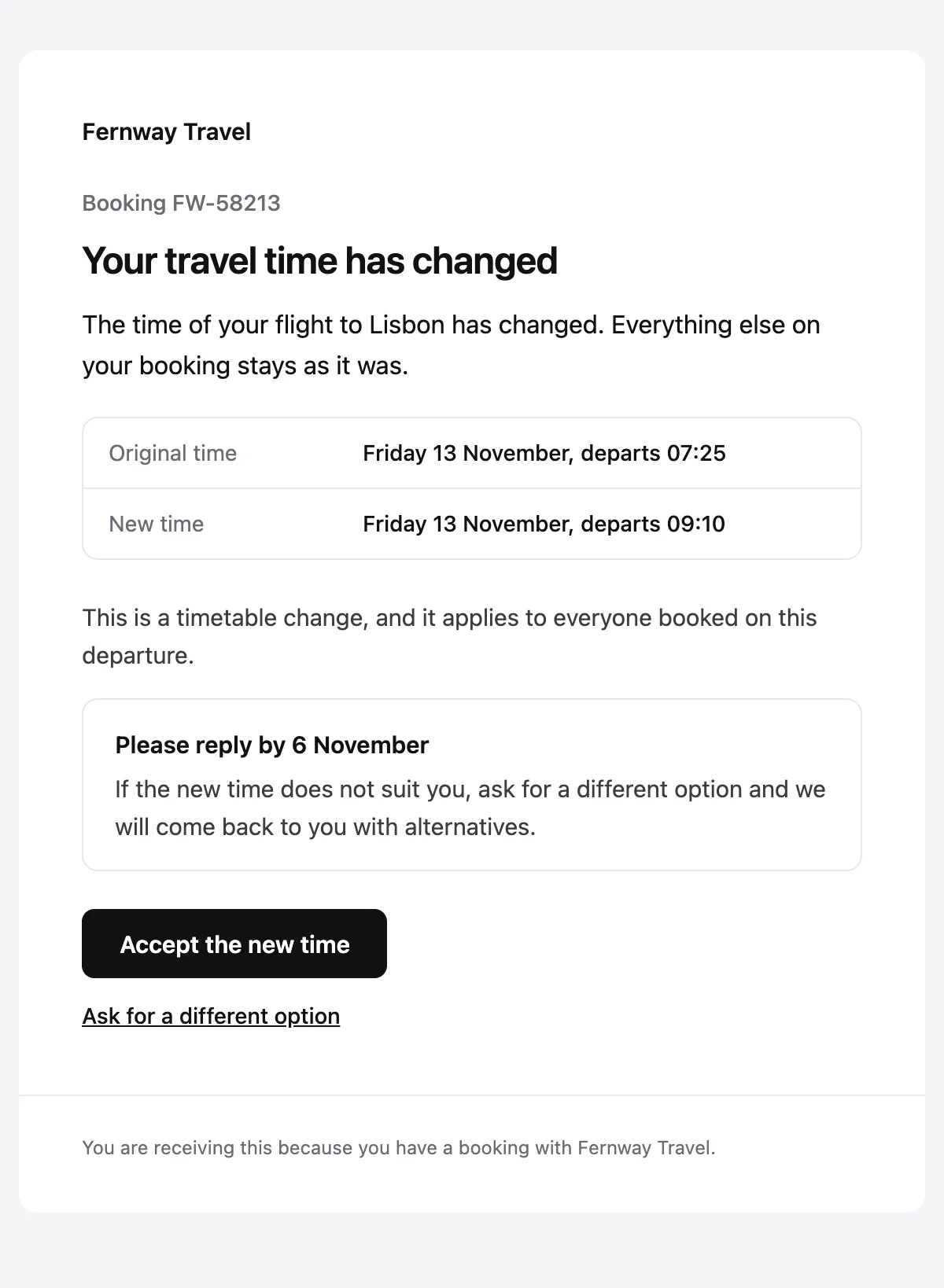
Now {{newTime}}. Accept it or ask for a different option by {{respondBy}}.

{{companyName}}

Booking {{bookingReference}}

Your travel time has changed

The time of your {{journeyName}} has changed. Everything else on your booking stays as it was.

Original time

{{oldTime}}

New time

{{newTime}}

{{changeReason}}

Please reply by {{respondBy}}

If the new time does not suit you, ask for a different option and we will come back to you with alternatives.

Accept the new time [{{acceptUrl}}]

Ask for a different option [{{changeUrl}}]

You are receiving this because you have a booking with {{companyName}}.
Shown with sample values. The HTML and plain-text tabs keep the placeholders.
About
Send it when a departure time moves. It sets the original and new times one above the other and explains the change in a line. The reply-by date sits in a box above a button to accept and a link to ask for something else.
10 values to fill
Required values have to come with every send. The rest fall back to the default shown here.
| Placeholder | Kind | Required | Default |
|---|---|---|---|
{{companyName}} | Text | Required | None |
{{bookingReference}} | Text | Required | None |
{{journeyName}} | Text | Required | None |
{{oldTime}} | Text | Required | None |
{{newTime}} | Text | Required | None |
{{changeReason}} | Text | Optional | This is a timetable change, and it applies to everyone booked on this departure. |
{{acceptUrl}} | Link | Required | None |
{{changeUrl}} | Link | Required | None |
{{respondBy}} | Text | Required | None |
{{unsubscribeUrl}} | Link | Optional | None |
API
Create a template from this design once, then send it with the values for each message.
import { init, nextmail } from '@nextmail/sdk' init({ apiKey: process.env.NEXTMAIL_API_KEY }) await nextmail.templates.create({ name: 'Booking changed', slug: 'booking-changed', starter: 'booking-changed', publish: true,}) const sent = await nextmail.templates.send('booking-changed', { from: 'Northwind <[email protected]>', to: '[email protected]', props: { companyName: 'Fernway Travel', bookingReference: 'FW-58213', journeyName: 'flight to Lisbon', oldTime: 'Friday 13 November, departs 07:25', newTime: 'Friday 13 November, departs 09:10', acceptUrl: 'https://example.com/trips/FW-58213/accept-change', changeUrl: 'https://example.com/trips/FW-58213/request-change', respondBy: '6 November', },}) console.log(sent.id, sent.status)Travel
Every leg of a trip in date order, with the times and references travellers need.
6 styles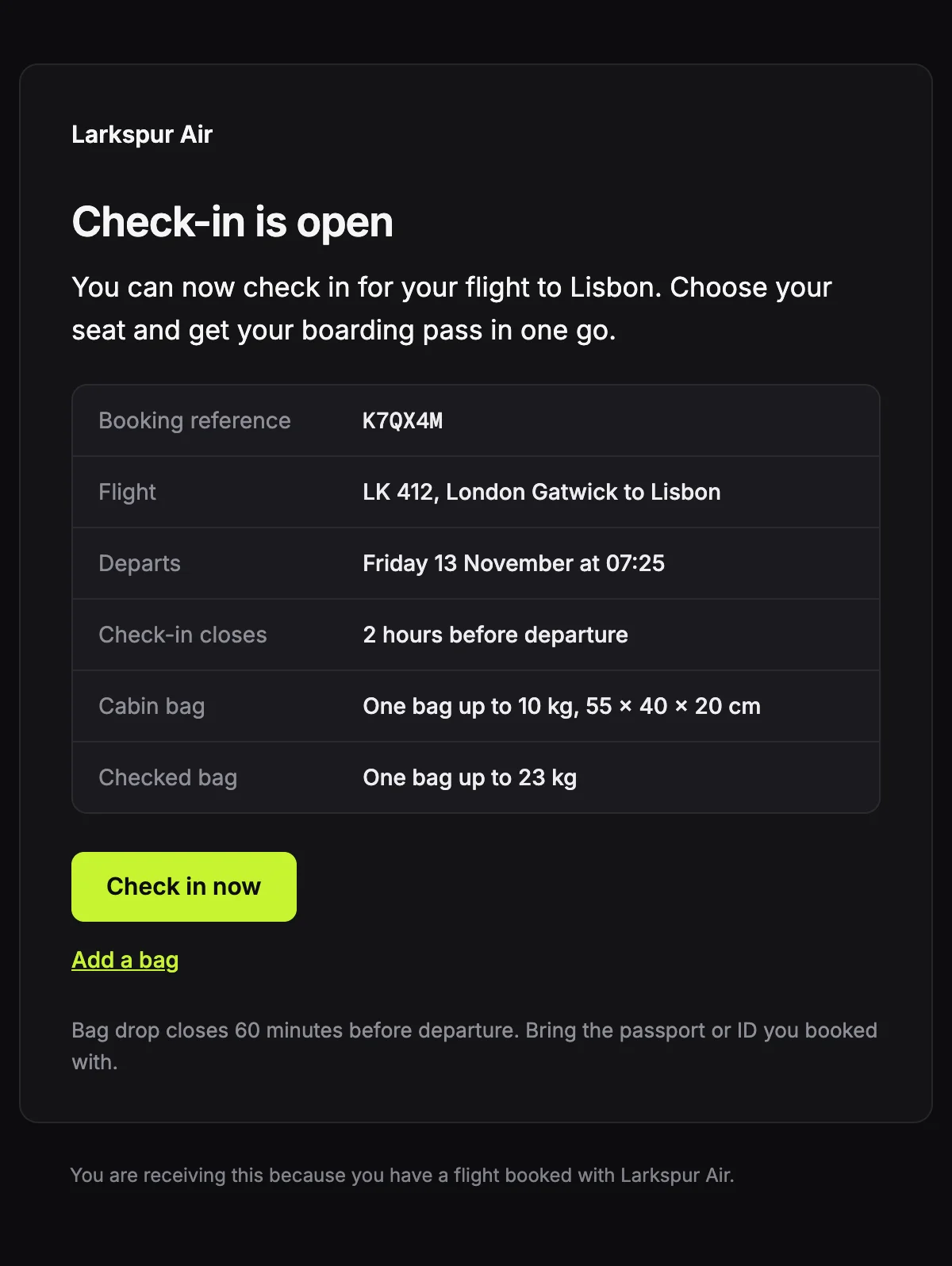
A check-in notice with the booking reference, the flight, the bag allowance and the deadline.
6 styles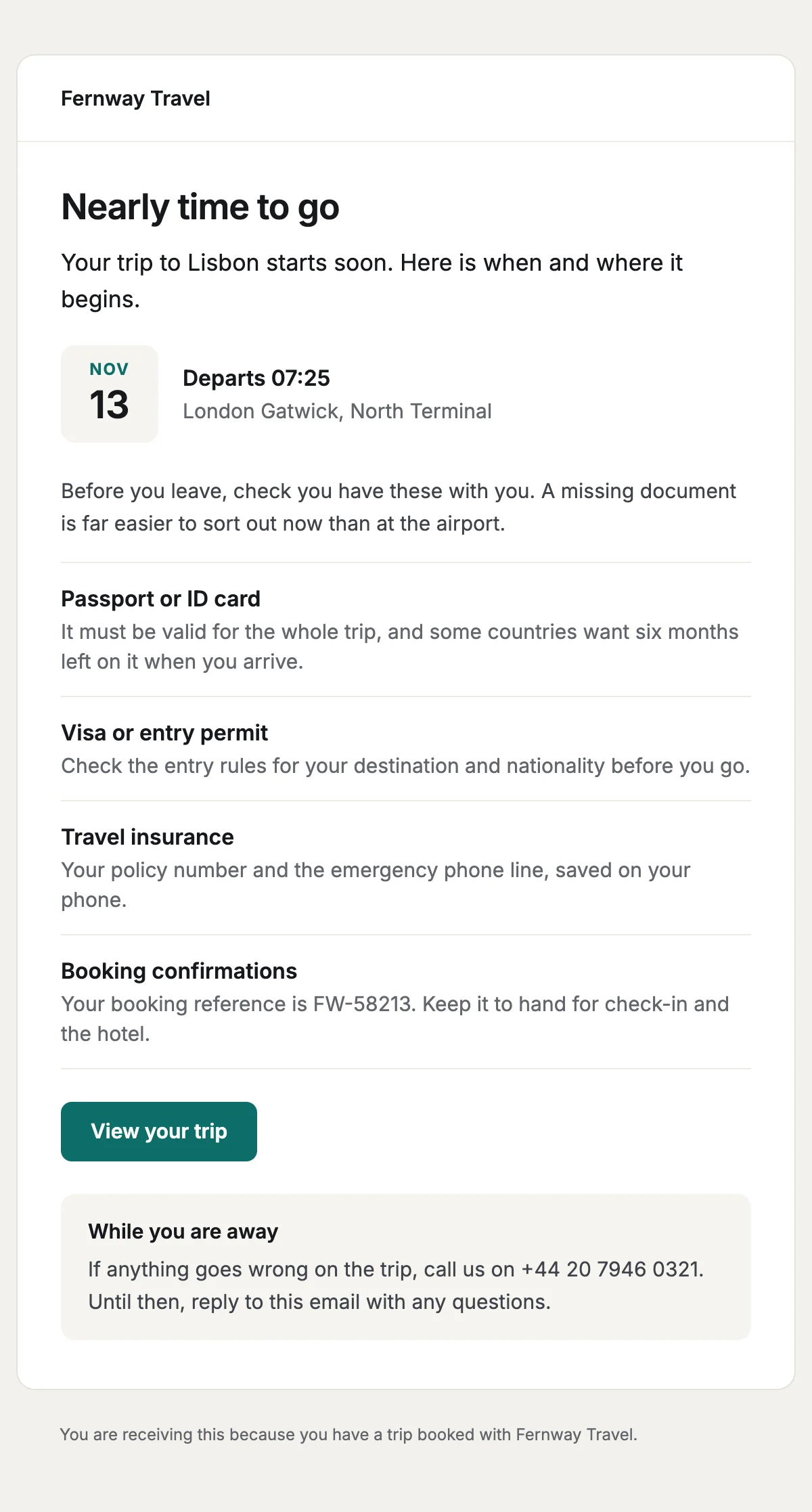
A pre-departure reminder with the departure in a date tile and a documents checklist.
6 styles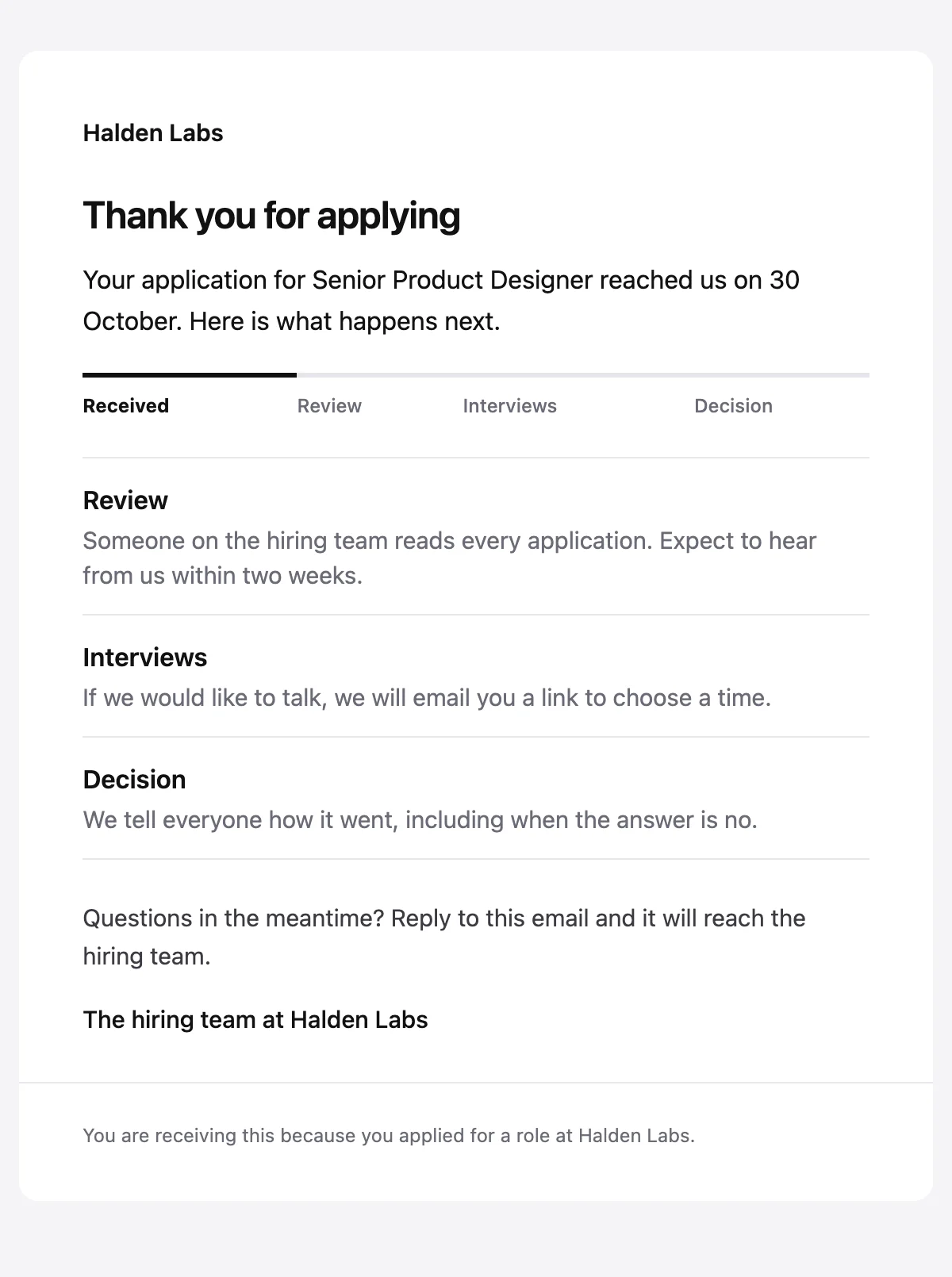
Confirms an application arrived, with a status track and what happens next.
6 stylesStart from one
Every template opens in the editor as blocks you can move, restyle or delete, and sends through the API with the values filled in.
Fifteen minutes on video with the people who build Nextmail. Free, at a time you choose.
 Google Workspace