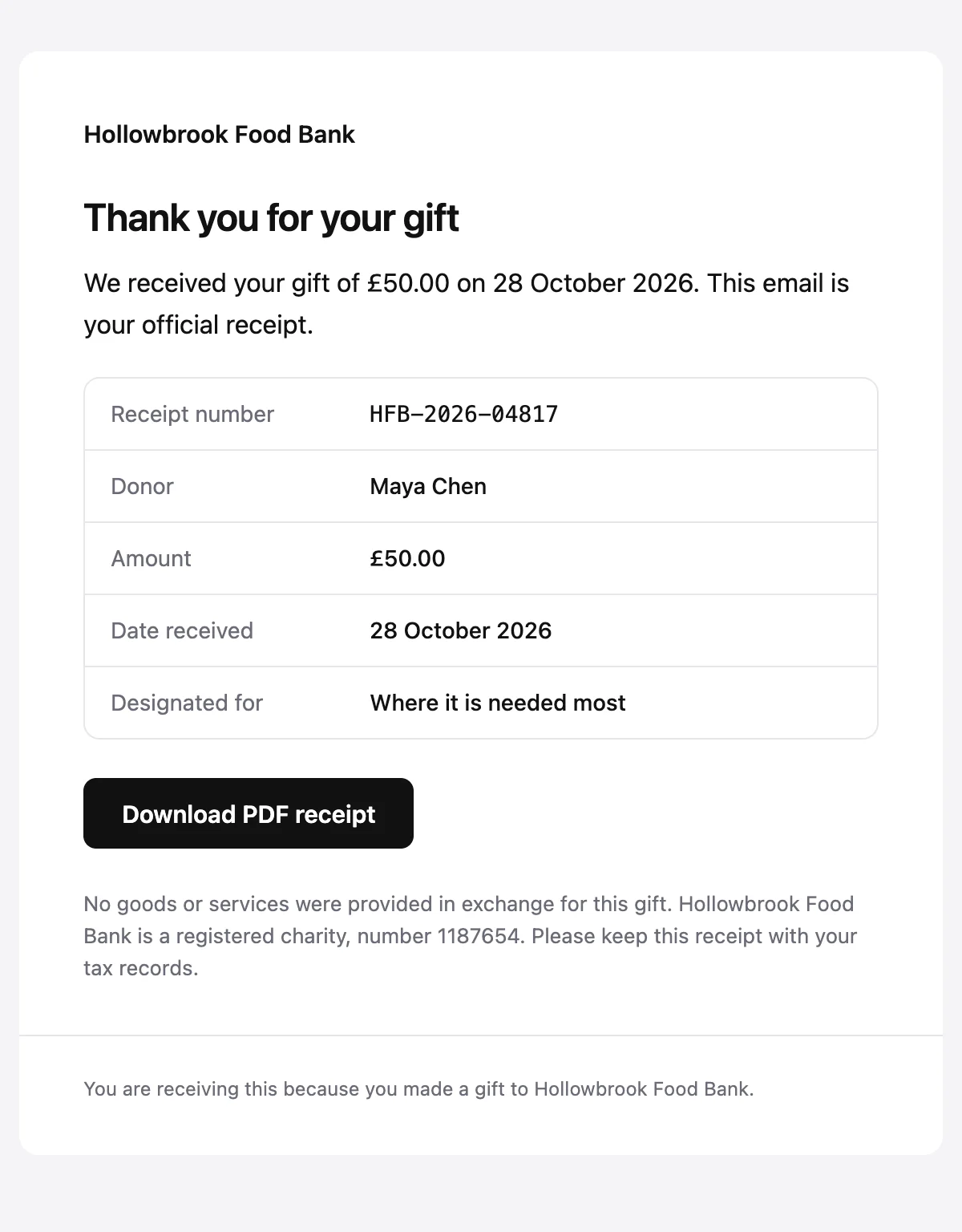
Donation receipt
A receipt for a single gift, with the amount, the date and a tax statement.
6 stylesA shift confirmation with a date tile, the role, the place and what to bring.
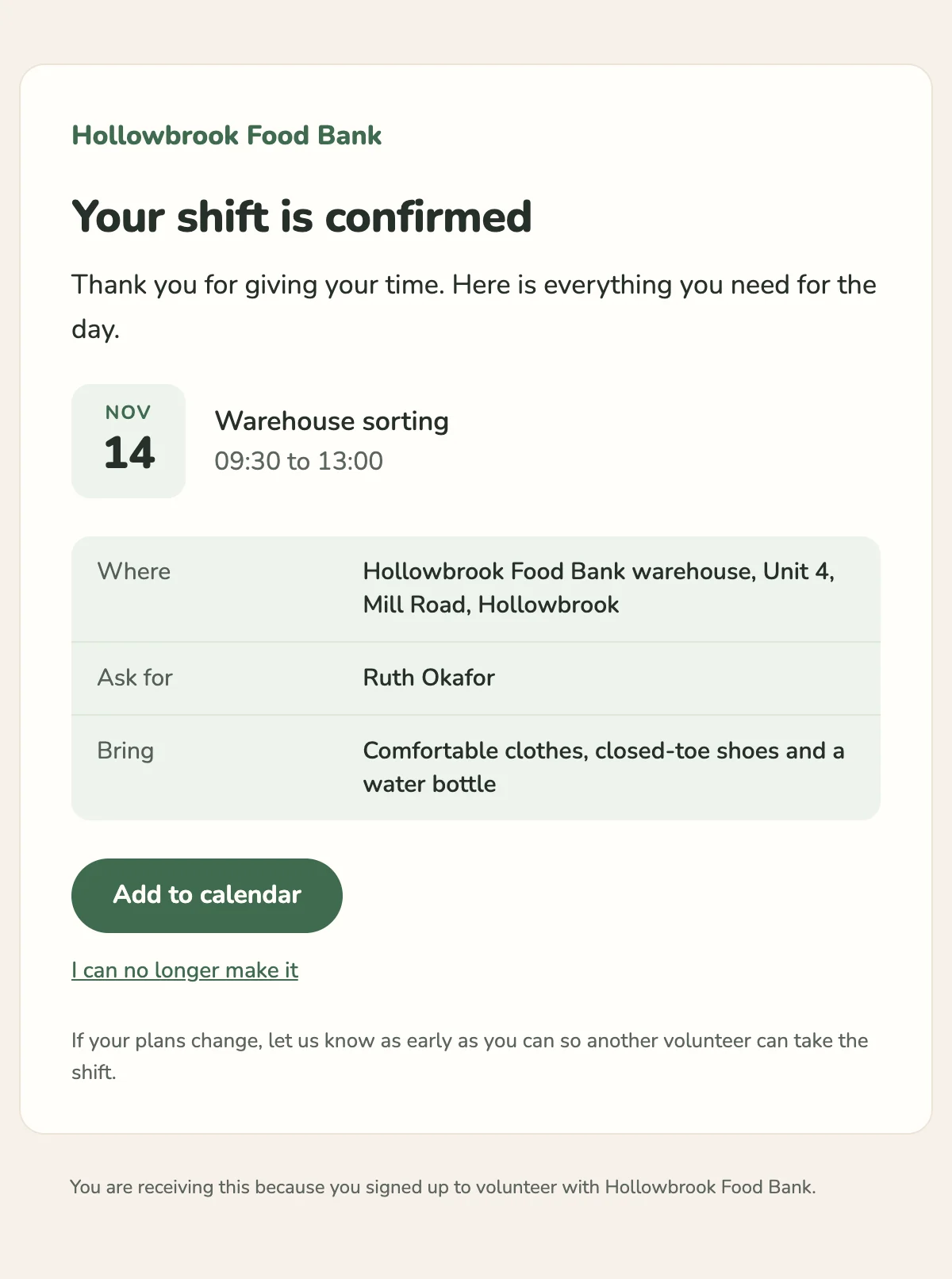
{{shiftTime}} at {{locationName}}. Ask for {{coordinatorName}} when you arrive.

{{charityName}}

Your shift is confirmed

Thank you for giving your time. Here is everything you need for the day.

{{shiftMonth}}

{{shiftDay}}

{{roleName}}

{{shiftTime}}

Where

{{locationName}}, {{locationAddress}}

Ask for

{{coordinatorName}}

Bring

{{whatToBring}}

Add to calendar [{{calendarUrl}}]

I can no longer make it [{{cancelUrl}}]

If your plans change, let us know as early as you can so another volunteer can take the shift.

You are receiving this because you signed up to volunteer with {{charityName}}.
Shown with sample values. The HTML and plain-text tabs keep the placeholders.
About
Send it when a volunteer signs up for a shift. The date sits in a calendar tile beside the role and the hours, the details give the place and who to ask for, and a link lets them pull out in good time.
13 values to fill
Required values have to come with every send. The rest fall back to the default shown here.
| Placeholder | Kind | Required | Default |
|---|---|---|---|
{{charityName}} | Text | Required | None |
{{roleName}} | Text | Required | None |
{{shiftDate}} | Text | Required | None |
{{shiftMonth}} | Text | Required | None |
{{shiftDay}} | Text | Required | None |
{{shiftTime}} | Text | Required | None |
{{locationName}} | Text | Required | None |
{{locationAddress}} | Text | Required | None |
{{coordinatorName}} | Text | Required | None |
{{whatToBring}} | Text | Optional | Comfortable clothes, closed-toe shoes and a water bottle |
{{calendarUrl}} | Link | Required | None |
{{cancelUrl}} | Link | Required | None |
{{unsubscribeUrl}} | Link | Optional | None |
API
Create a template from this design once, then send it with the values for each message.
import { init, nextmail } from '@nextmail/sdk' init({ apiKey: process.env.NEXTMAIL_API_KEY }) await nextmail.templates.create({ name: 'Volunteer shift confirmed', slug: 'volunteer-shift-confirmed', starter: 'volunteer-shift-confirmed', publish: true,}) const sent = await nextmail.templates.send('volunteer-shift-confirmed', { from: 'Northwind <[email protected]>', to: '[email protected]', props: { charityName: 'Hollowbrook Food Bank', roleName: 'Warehouse sorting', shiftDate: 'Saturday 14 November', shiftMonth: 'Nov', shiftDay: '14', shiftTime: '09:30 to 13:00', locationName: 'Hollowbrook Food Bank warehouse', locationAddress: 'Unit 4, Mill Road, Hollowbrook', coordinatorName: 'Ruth Okafor', calendarUrl: 'https://example.com/shifts/2291/calendar', cancelUrl: 'https://example.com/shifts/2291/cancel', },}) console.log(sent.id, sent.status)Nonprofits
A receipt for a single gift, with the amount, the date and a tax statement.
6 styles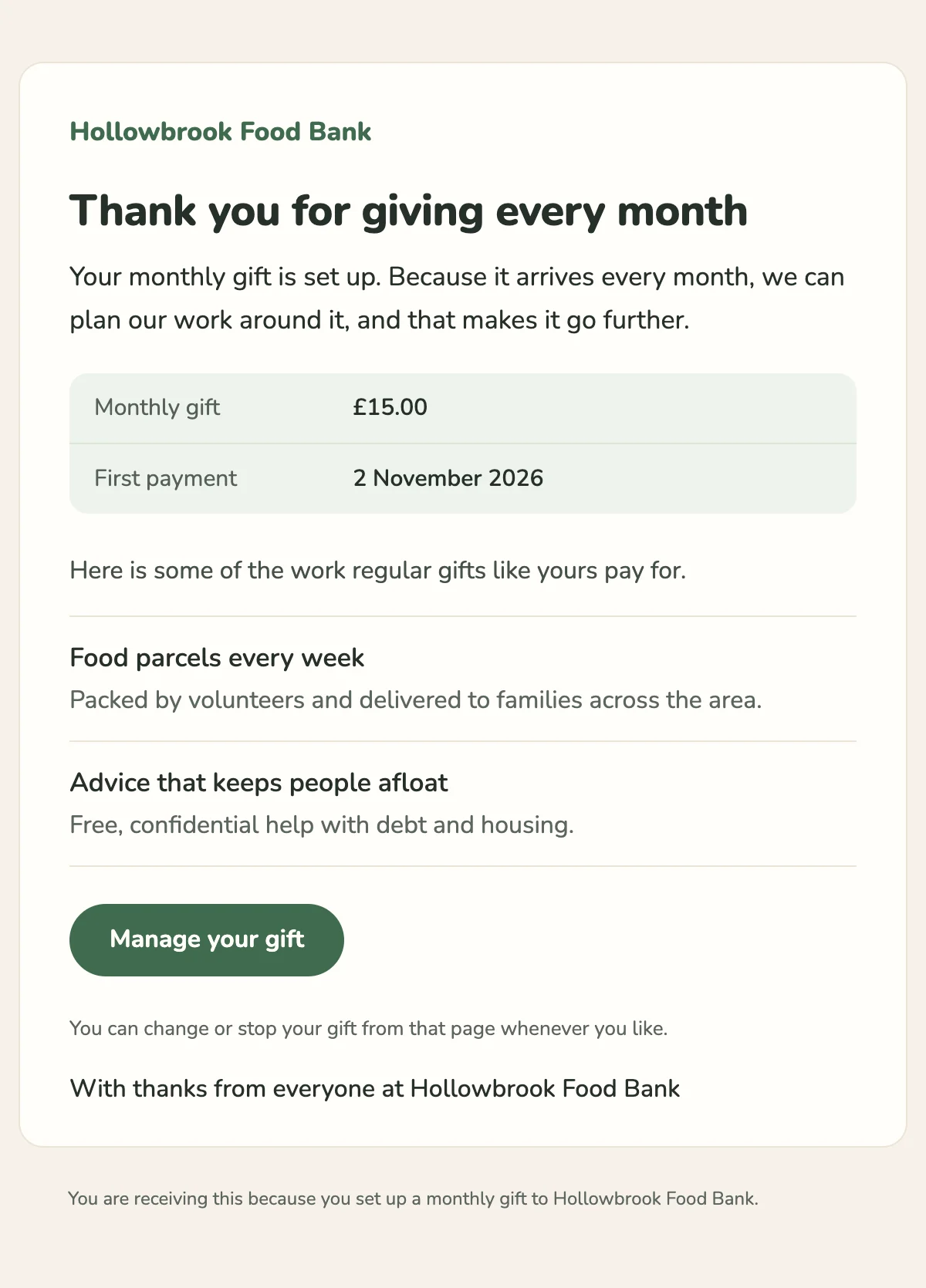
A thank-you for a new monthly donor that shows what regular gifts pay for.
6 styles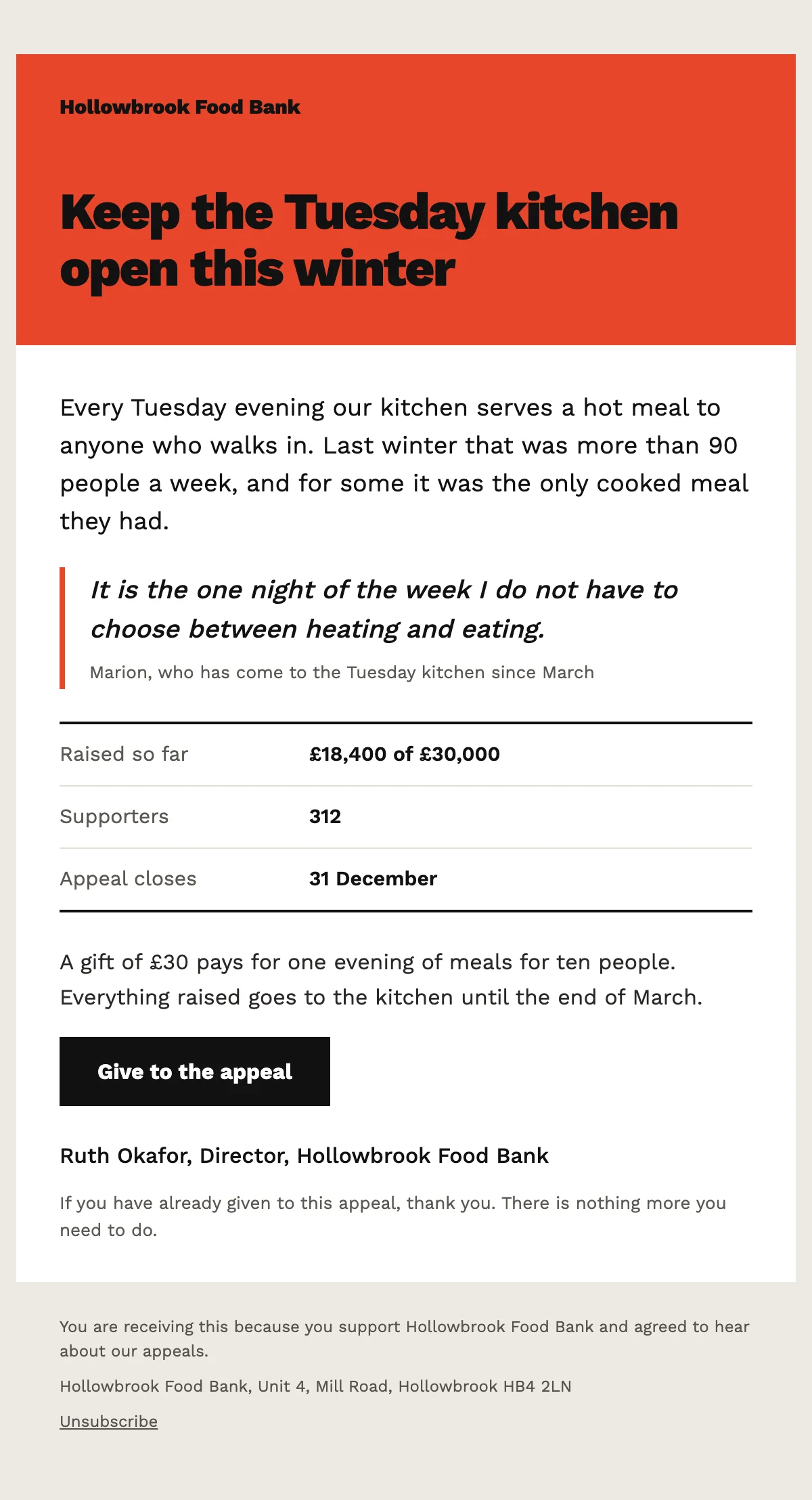
An appeal to your supporters built on one story, with progress so far and a donate button.
6 styles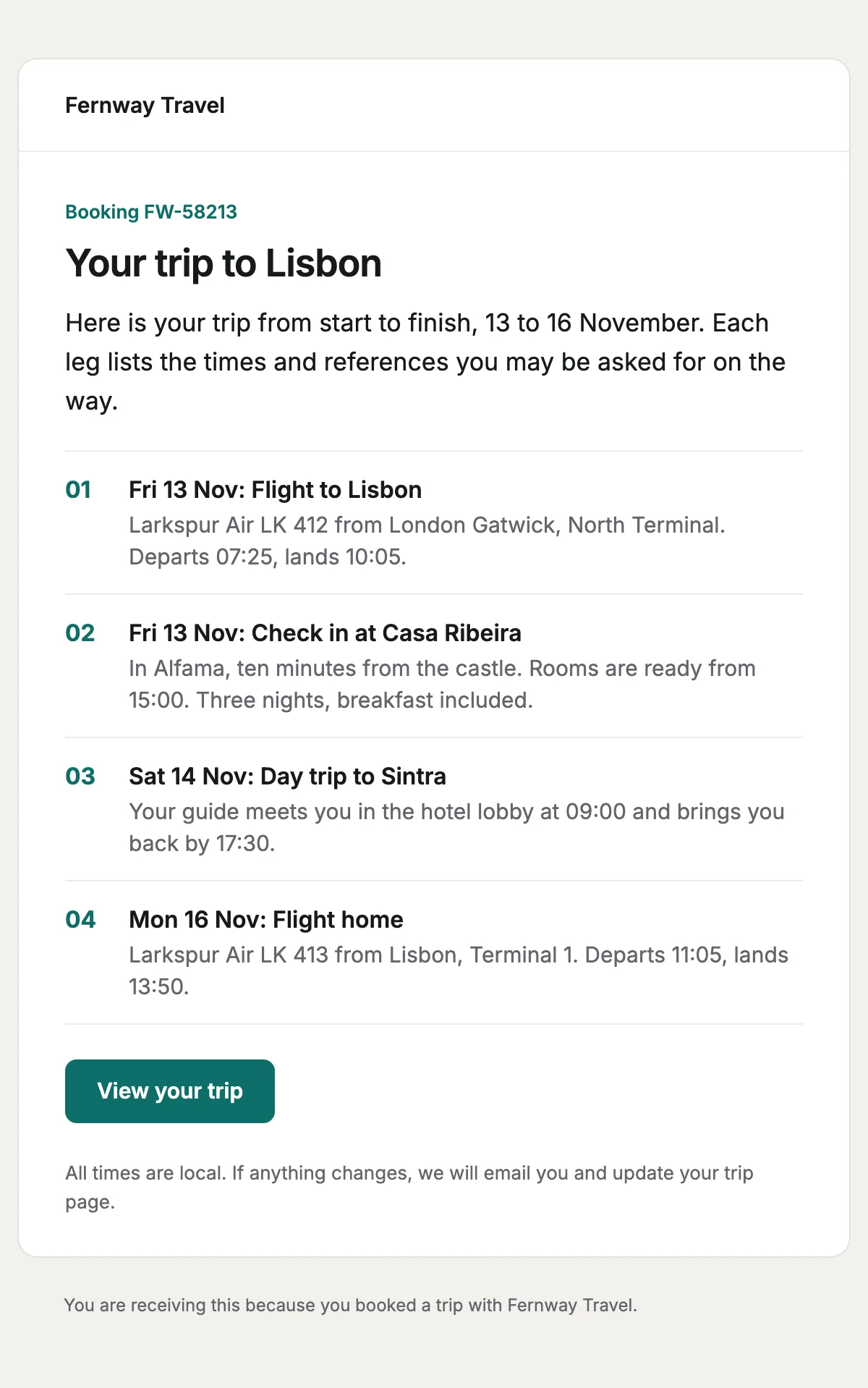
Every leg of a trip in date order, with the times and references travellers need.
6 stylesStart from one
Every template opens in the editor as blocks you can move, restyle or delete, and sends through the API with the values filled in.
Fifteen minutes on video with the people who build Nextmail. Free, at a time you choose.
 Google Workspace