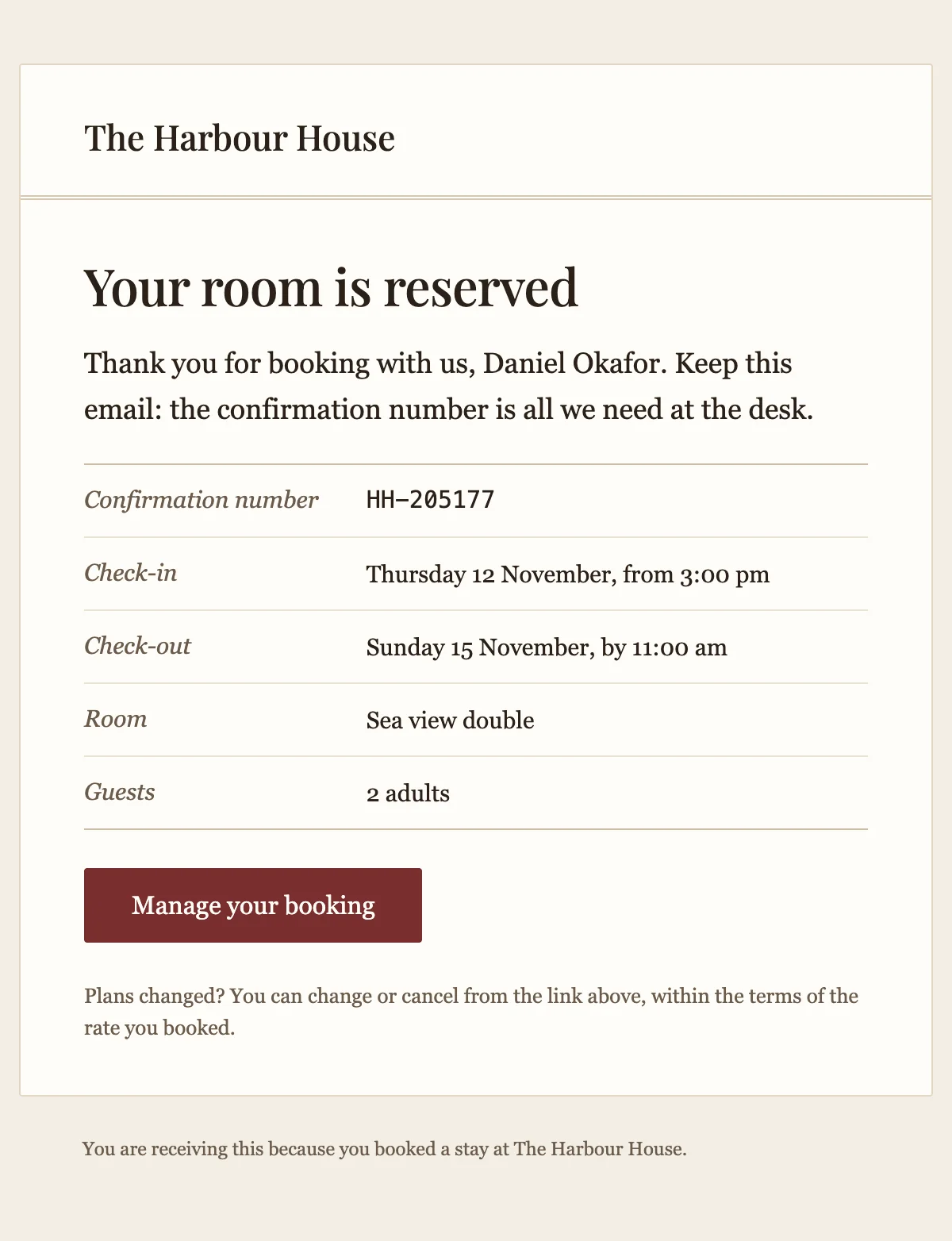
Stay confirmed
A hotel booking confirmation with the dates, the room and the confirmation number.
6 stylesConfirms a table booking with the party size, the time and the cancellation terms.
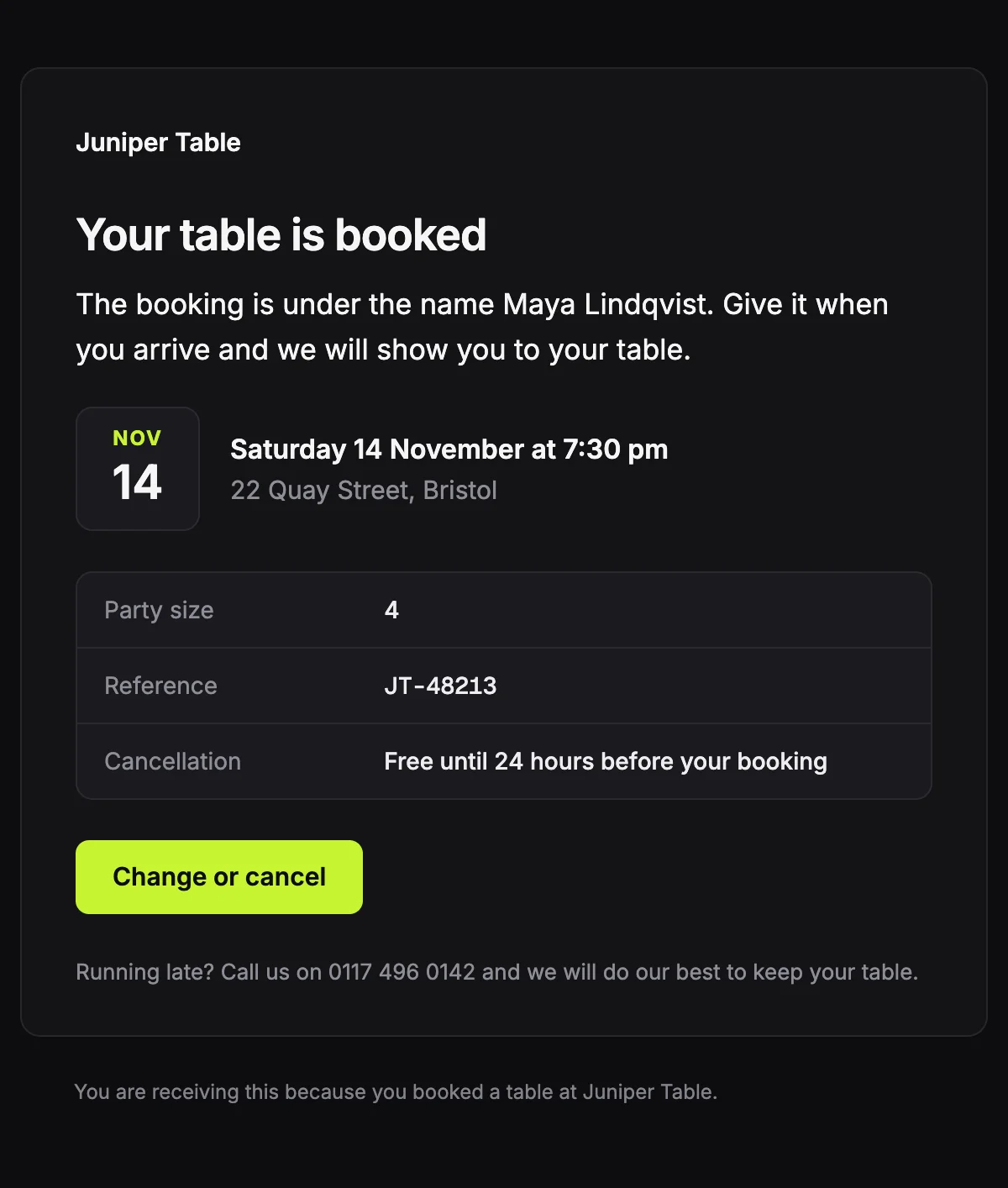
A table for {{partySize}} at {{reservationTime}}, under the name {{guestName}}.

{{restaurantName}}

Your table is booked

The booking is under the name {{guestName}}. Give it when you arrive and we will show you to your table.

{{reservationMonth}}

{{reservationDay}}

{{reservationDate}} at {{reservationTime}}

{{restaurantAddress}}

Party size

{{partySize}}

Reference

{{reservationRef}}

Cancellation

{{cancellationTerms}}

Change or cancel [{{manageUrl}}]

Running late? Call us on {{restaurantPhone}} and we will do our best to keep your table.

You are receiving this because you booked a table at {{restaurantName}}.
Shown with sample values. The HTML and plain-text tabs keep the placeholders.
About
Send it as soon as a table is booked. The date and time sit on a calendar tile, with the party size, the reference and your cancellation terms below. A note tells late guests who to call.
13 values to fill
Required values have to come with every send. The rest fall back to the default shown here.
| Placeholder | Kind | Required | Default |
|---|---|---|---|
{{restaurantName}} | Text | Required | None |
{{guestName}} | Text | Required | None |
{{partySize}} | Text | Required | None |
{{reservationDate}} | Text | Required | None |
{{reservationMonth}} | Text | Required | None |
{{reservationDay}} | Text | Required | None |
{{reservationTime}} | Text | Required | None |
{{restaurantAddress}} | Text | Required | None |
{{reservationRef}} | Text | Required | None |
{{cancellationTerms}} | Text | Optional | Free until 24 hours before your booking |
{{manageUrl}} | Link | Required | None |
{{restaurantPhone}} | Text | Required | None |
{{unsubscribeUrl}} | Link | Optional | None |
API
Create a template from this design once, then send it with the values for each message.
import { init, nextmail } from '@nextmail/sdk' init({ apiKey: process.env.NEXTMAIL_API_KEY }) await nextmail.templates.create({ name: 'Table reservation', slug: 'table-reservation', starter: 'table-reservation', publish: true,}) const sent = await nextmail.templates.send('table-reservation', { from: 'Northwind <[email protected]>', to: '[email protected]', props: { restaurantName: 'Juniper Table', guestName: 'Maya Lindqvist', partySize: '4', reservationDate: 'Saturday 14 November', reservationMonth: 'Nov', reservationDay: '14', reservationTime: '7:30 pm', restaurantAddress: '22 Quay Street, Bristol', reservationRef: 'JT-48213', manageUrl: 'https://example.com/reservations/JT-48213', restaurantPhone: '0117 496 0142', },}) console.log(sent.id, sent.status)Hospitality
A hotel booking confirmation with the dates, the room and the confirmation number.
6 styles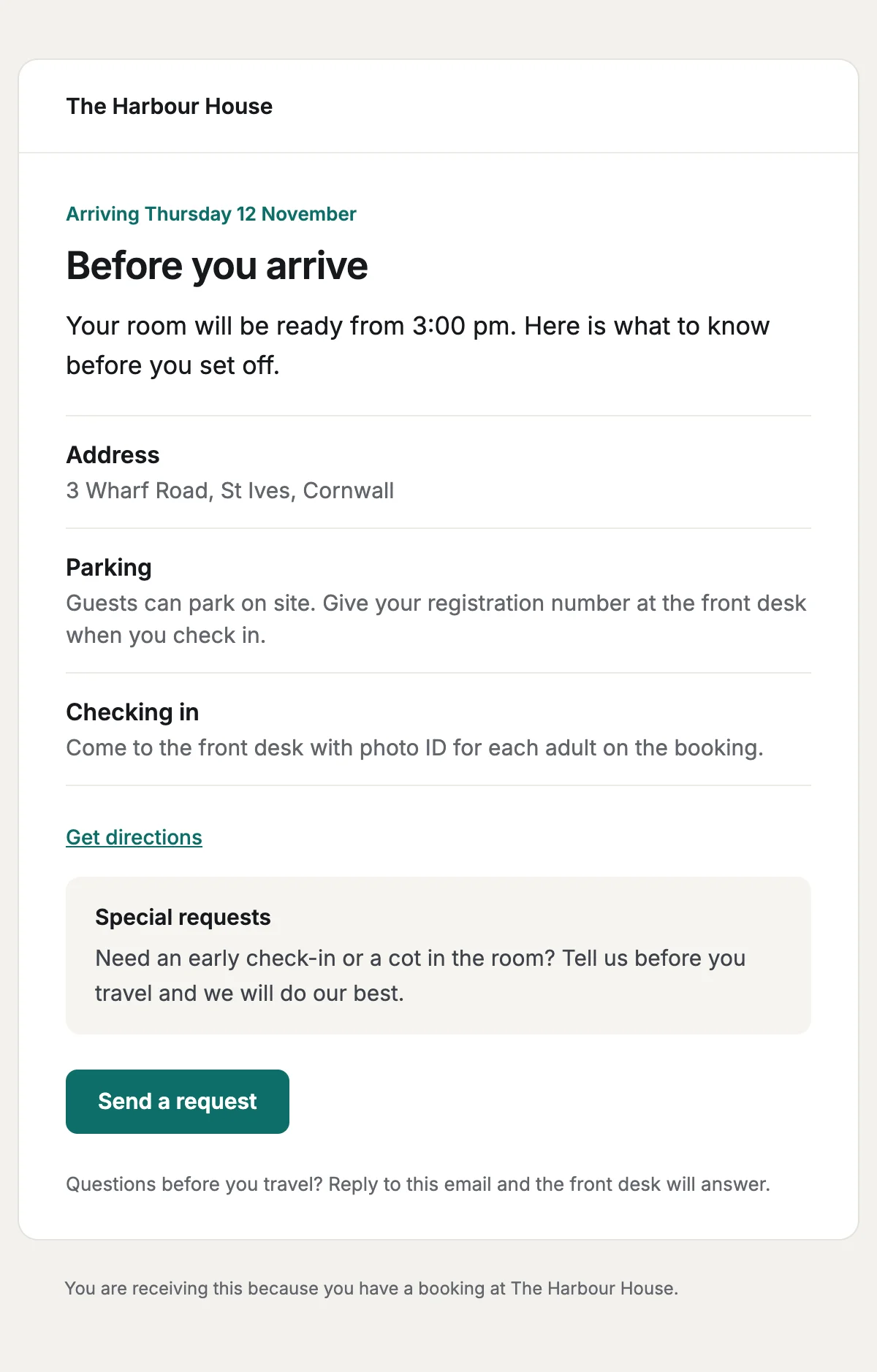
A pre-arrival email with check-in and parking details, and a link to send special requests.
6 styles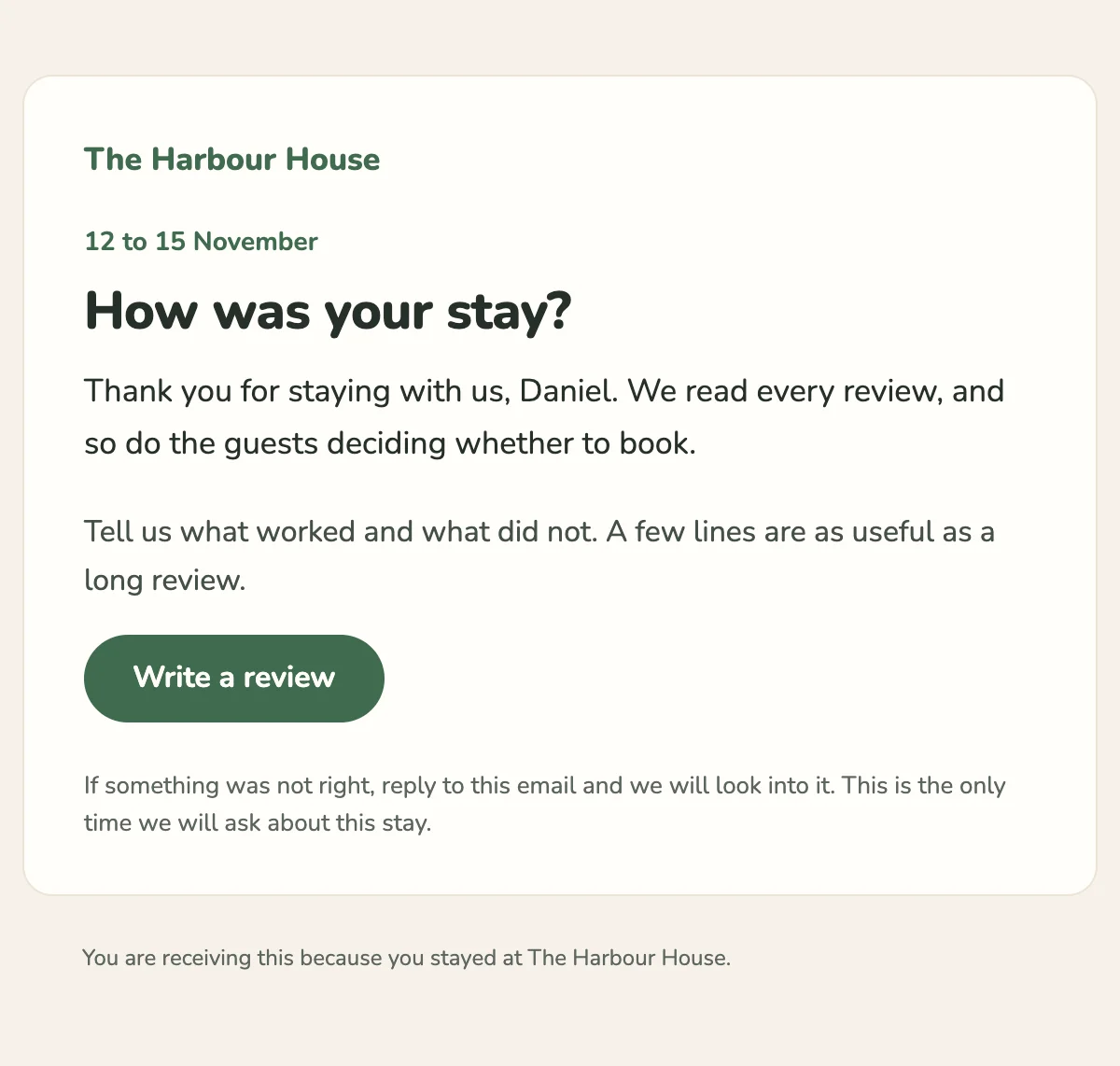
A short request for a review after checkout, with one link to write it.
6 styles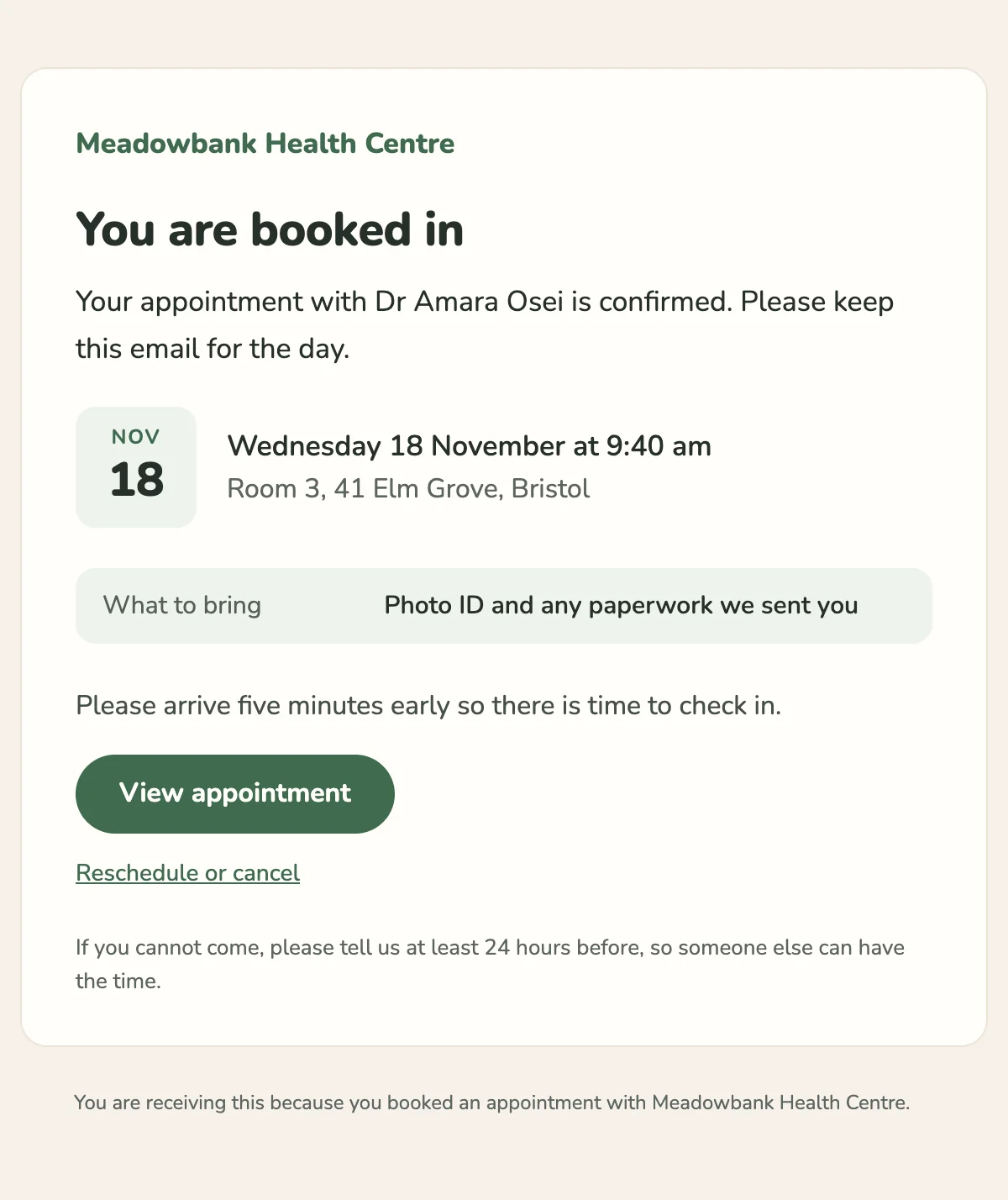
Confirms an appointment with the clinician, the place or video link, and what to bring.
6 stylesStart from one
Every template opens in the editor as blocks you can move, restyle or delete, and sends through the API with the values filled in.
Fifteen minutes on video with the people who build Nextmail. Free, at a time you choose.
 Google Workspace