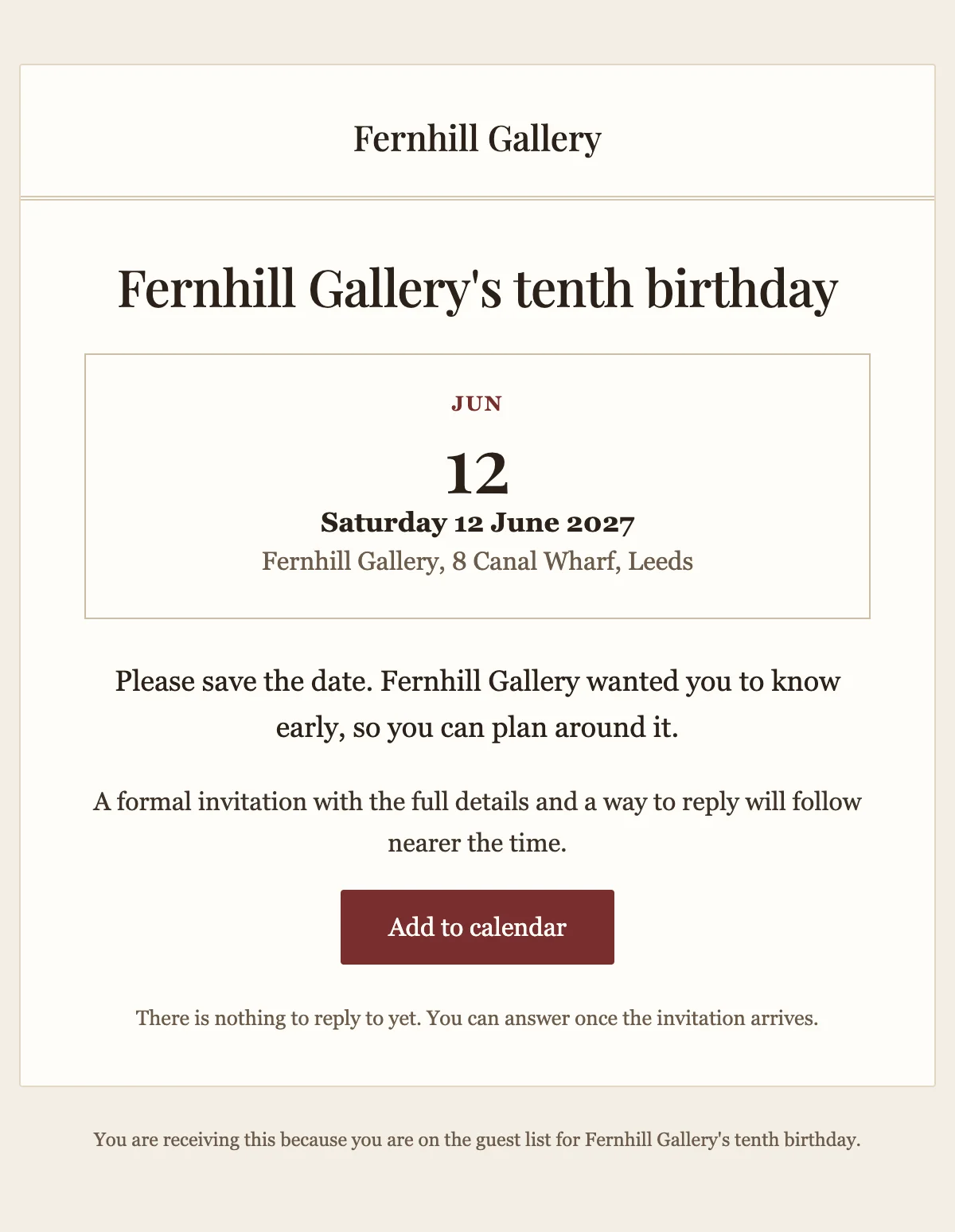
Save the date
An early notice that puts the date first and lets guests add it to their calendar.
6 stylesA formal invitation with the date, the place and one-click replies to accept or decline.
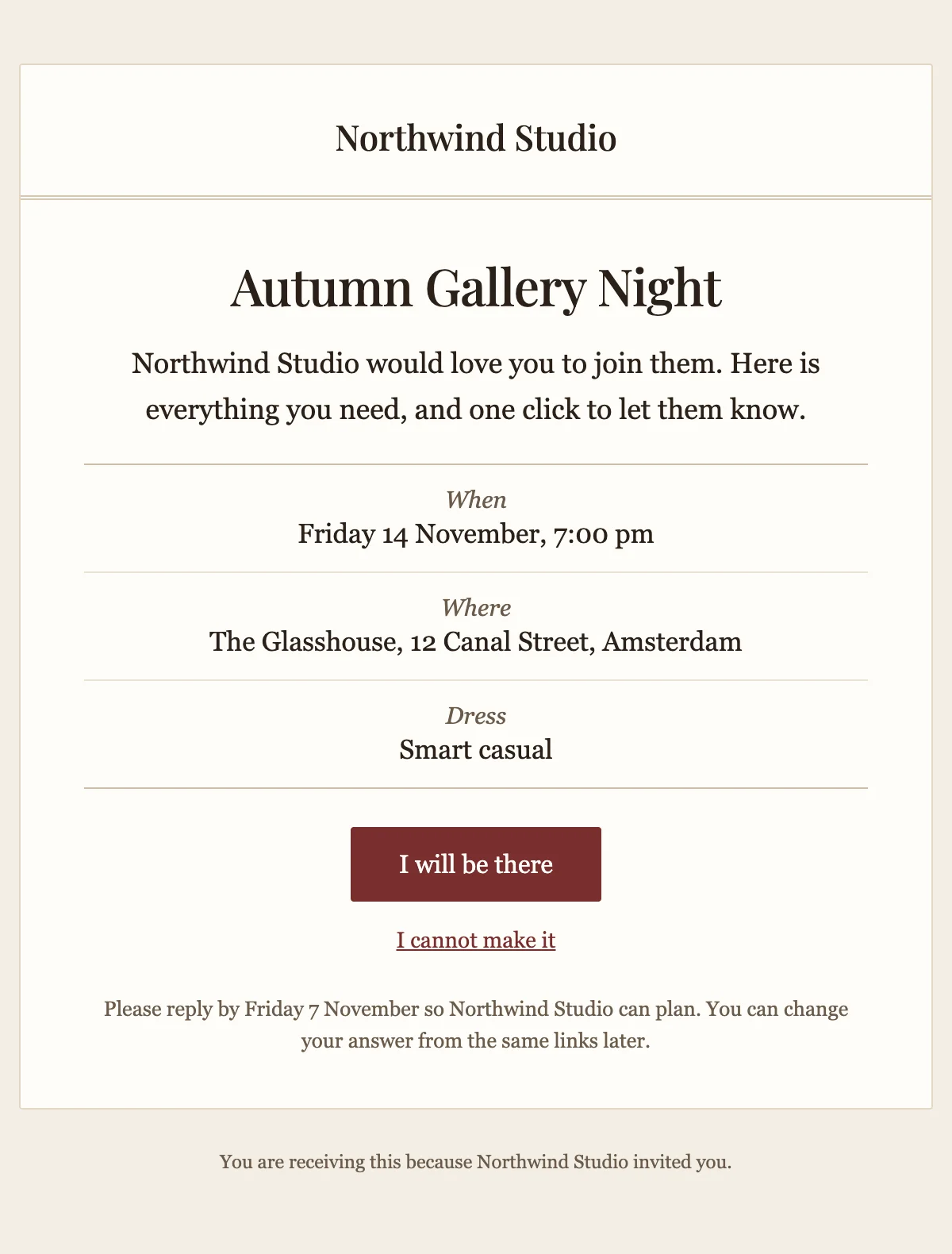
{{hostName}} would love you to join them on {{eventDate}}

{{hostName}}

{{eventName}}

{{hostName}} would love you to join them. Here is everything you need, and one click to let them know.

When

{{eventDate}}, {{eventTime}}

Where

{{venueName}}, {{venueAddress}}

Dress

{{dressCode}}

I will be there [{{acceptUrl}}]

I cannot make it [{{declineUrl}}]

Please reply by {{replyBy}} so {{hostName}} can plan. You can change your answer from the same links later.

You are receiving this because {{hostName}} invited you.
Shown with sample values. The HTML and plain-text tabs keep the placeholders.
About
Send it a few weeks before a dinner, an opening or a launch. It names the host, sets out when and where with a dress code, and gives guests two links to answer in one click. A reply-by date tells them when you need to know.
11 values to fill
Required values have to come with every send. The rest fall back to the default shown here.
| Placeholder | Kind | Required | Default |
|---|---|---|---|
{{hostName}} | Text | Required | None |
{{eventName}} | Text | Required | None |
{{eventDate}} | Text | Required | None |
{{eventTime}} | Text | Required | None |
{{venueName}} | Text | Required | None |
{{venueAddress}} | Text | Required | None |
{{dressCode}} | Text | Optional | Smart casual |
{{acceptUrl}} | Link | Required | None |
{{declineUrl}} | Link | Required | None |
{{replyBy}} | Text | Required | None |
{{unsubscribeUrl}} | Link | Optional | None |
API
Create a template from this design once, then send it with the values for each message.
import { init, nextmail } from '@nextmail/sdk' init({ apiKey: process.env.NEXTMAIL_API_KEY }) await nextmail.templates.create({ name: 'Event invitation', slug: 'event-invitation', starter: 'event-invitation', publish: true,}) const sent = await nextmail.templates.send('event-invitation', { from: 'Northwind <[email protected]>', to: '[email protected]', props: { hostName: 'Northwind Studio', eventName: 'Autumn Gallery Night', eventDate: 'Friday 14 November', eventTime: '7:00 pm', venueName: 'The Glasshouse', venueAddress: '12 Canal Street, Amsterdam', acceptUrl: 'https://example.com/rsvp/yes', declineUrl: 'https://example.com/rsvp/no', replyBy: 'Friday 7 November', },}) console.log(sent.id, sent.status)Events
An early notice that puts the date first and lets guests add it to their calendar.
6 styles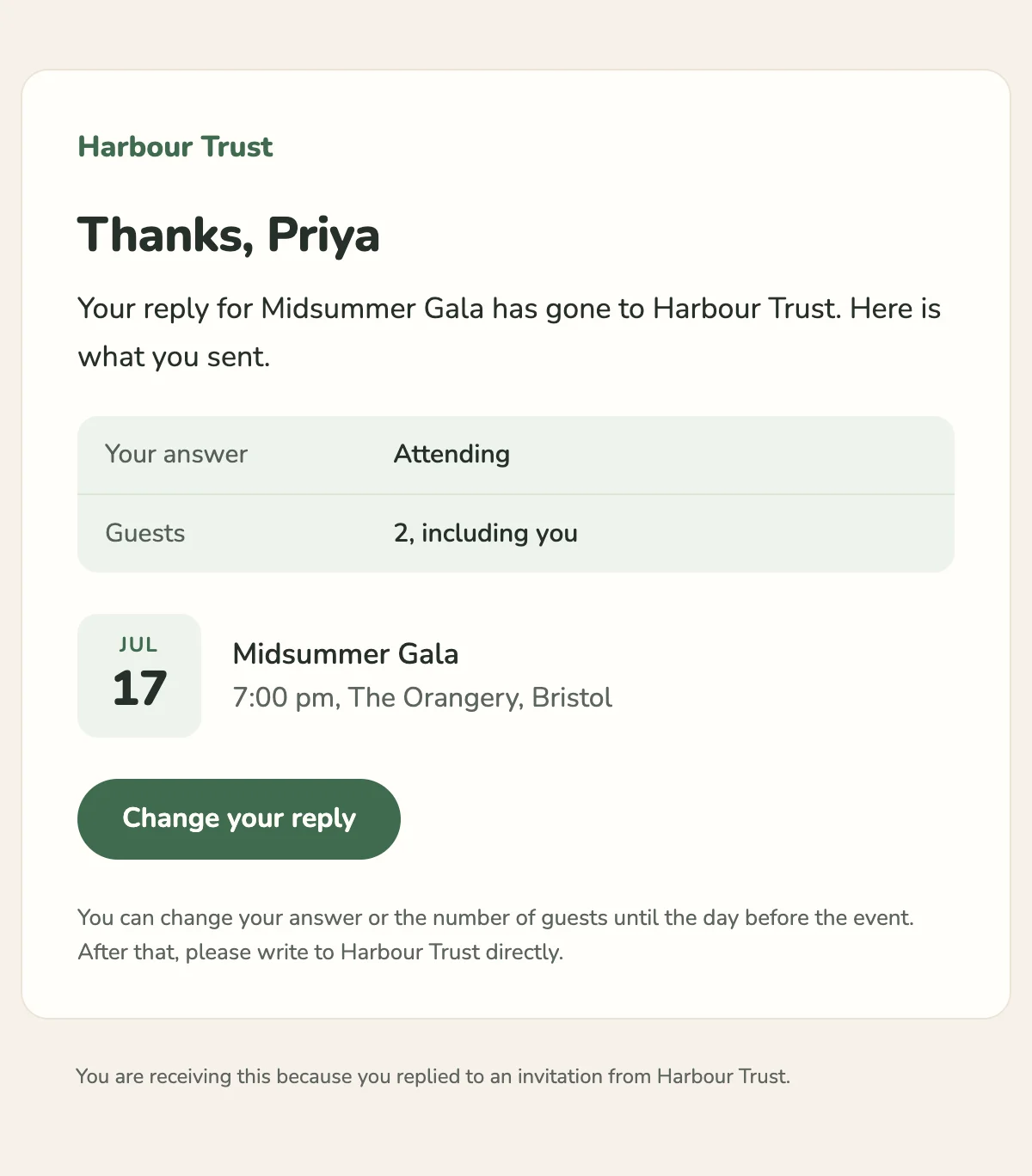
Confirms a guest's reply with their answer, the number of guests and a link to change it.
6 styles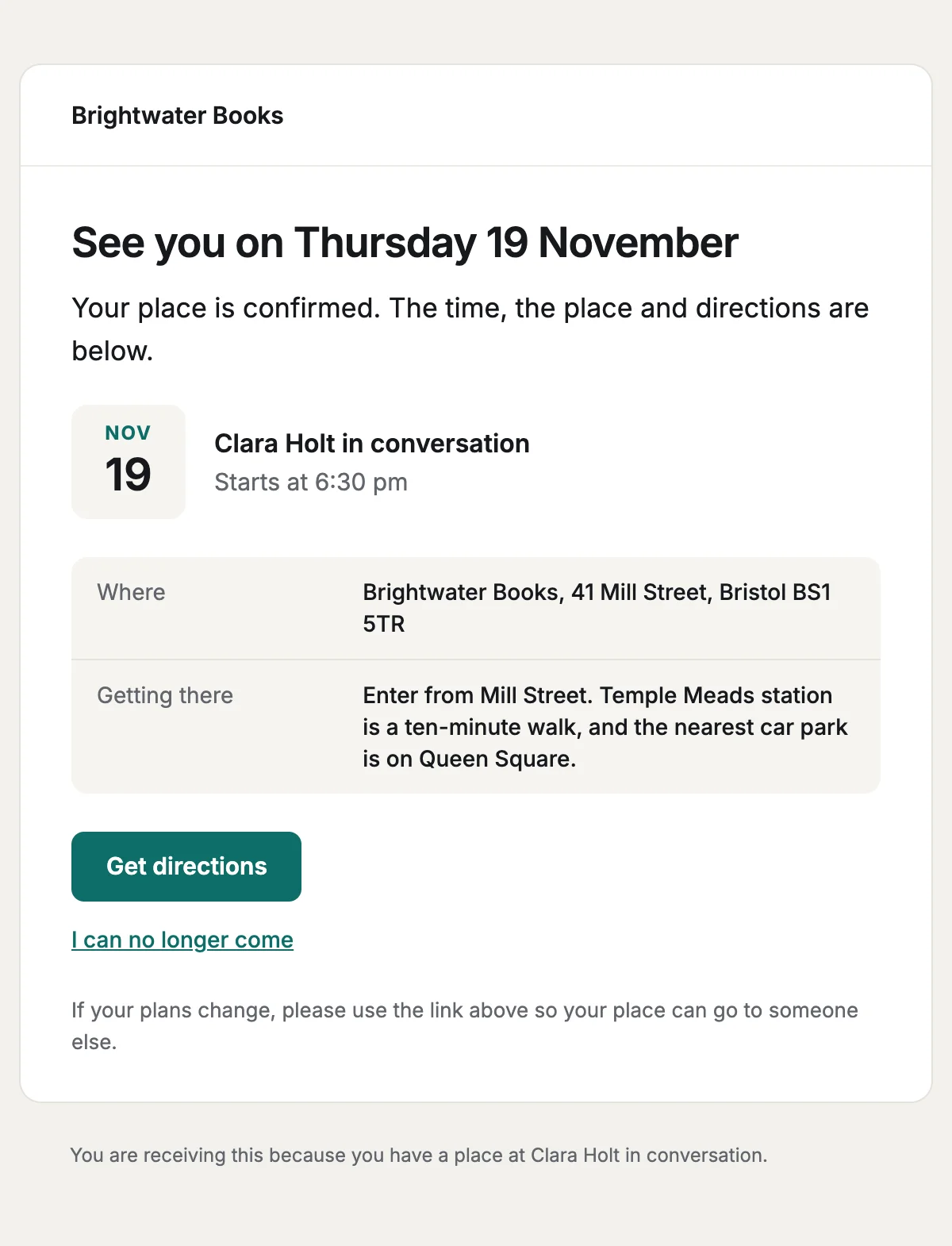
A reminder before the day with the time, the place and directions to the venue.
6 styles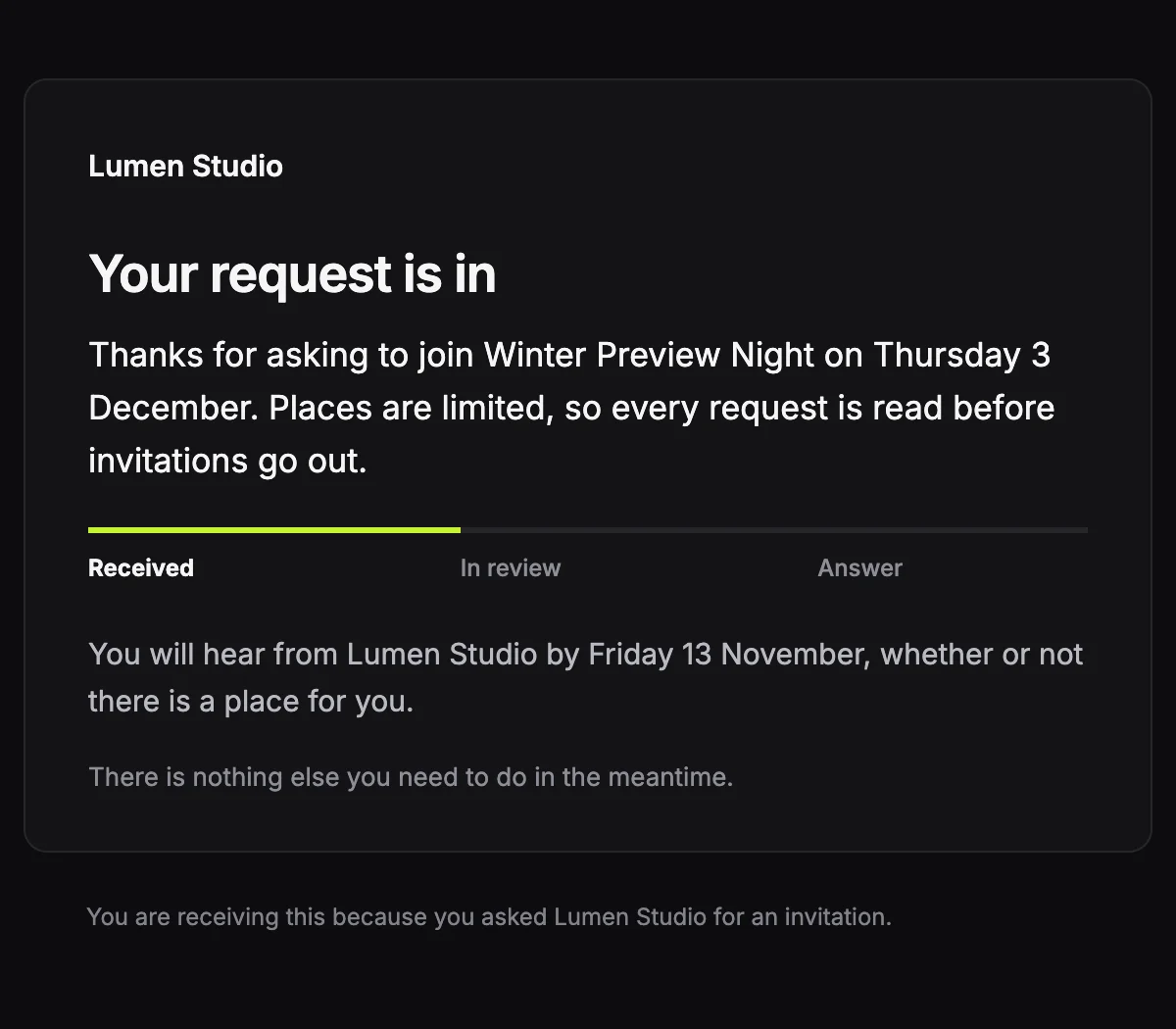
Confirms a request for an invitation and says when the answer will arrive.
6 stylesStart from one
Every template opens in the editor as blocks you can move, restyle or delete, and sends through the API with the values filled in.
Fifteen minutes on video with the people who build Nextmail. Free, at a time you choose.
 Google Workspace