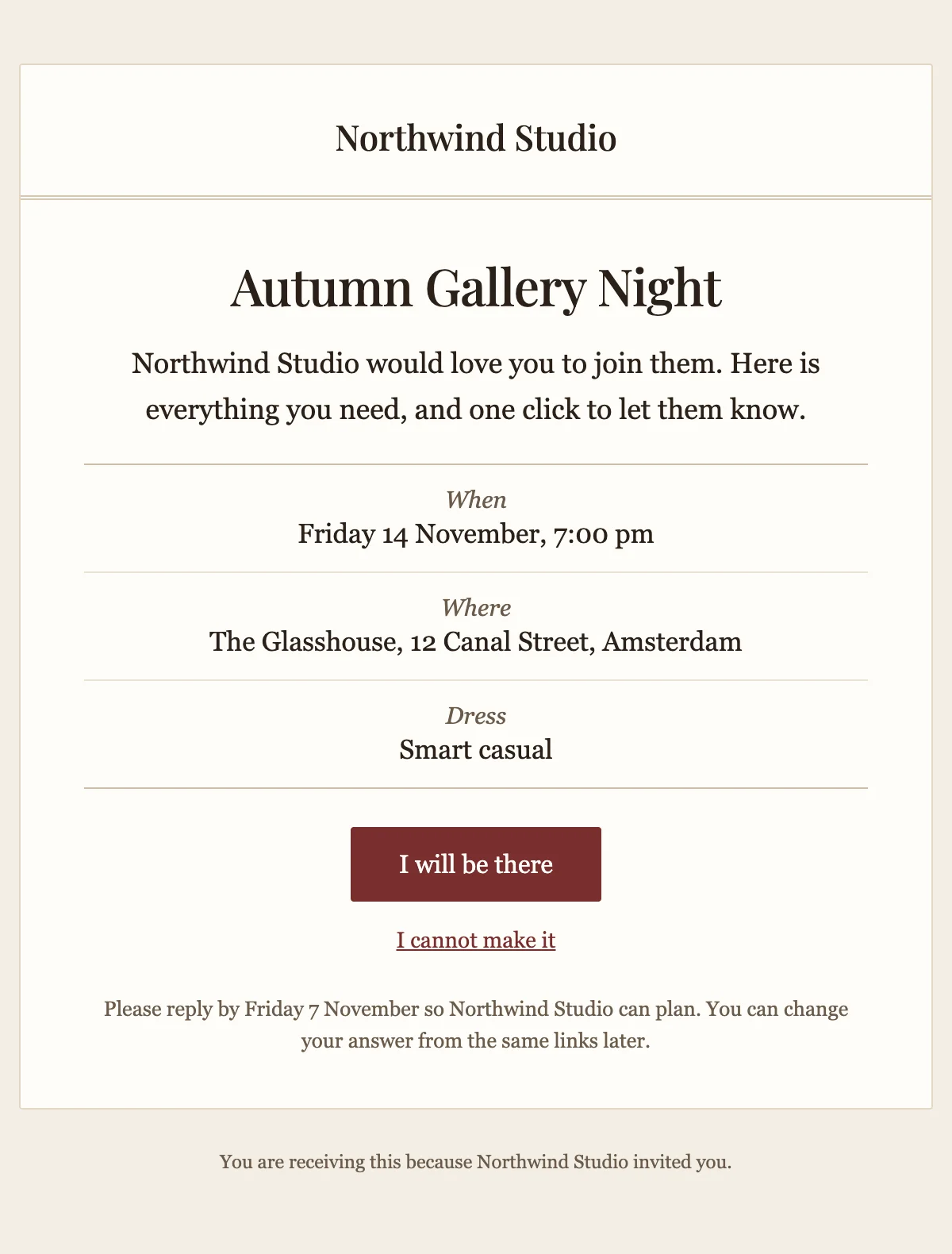
Event invitation
A formal invitation with the date, the place and one-click replies to accept or decline.
6 stylesConfirms a request for an invitation and says when the answer will arrive.
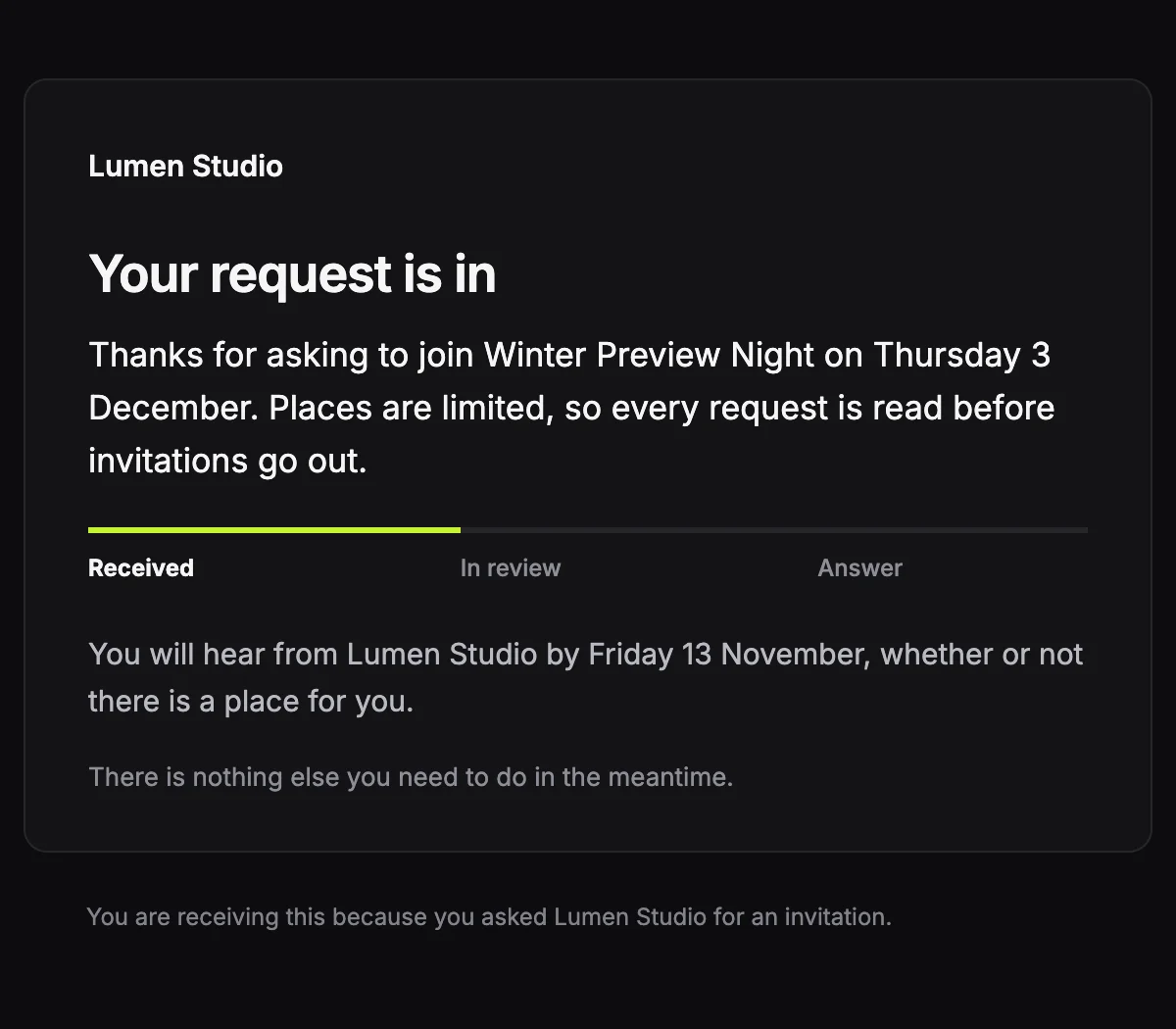
You will hear from {{hostName}} by {{decisionBy}}.

{{hostName}}

Your request is in

Thanks for asking to join {{eventName}} on {{eventDate}}. Places are limited, so every request is read before invitations go out.

Received

In review

Answer

You will hear from {{hostName}} by {{decisionBy}}, whether or not there is a place for you.

There is nothing else you need to do in the meantime.

You are receiving this because you asked {{hostName}} for an invitation.
Shown with sample values. The HTML and plain-text tabs keep the placeholders.
About
Send it as soon as someone asks for a place at an event where every request is reviewed. A three-step track shows where the request stands, and the email gives the date they will hear by, whatever the answer.
5 values to fill
Required values have to come with every send. The rest fall back to the default shown here.
| Placeholder | Kind | Required | Default |
|---|---|---|---|
{{hostName}} | Text | Required | None |
{{eventName}} | Text | Required | None |
{{eventDate}} | Text | Required | None |
{{decisionBy}} | Text | Required | None |
{{unsubscribeUrl}} | Link | Optional | None |
API
Create a template from this design once, then send it with the values for each message.
import { init, nextmail } from '@nextmail/sdk' init({ apiKey: process.env.NEXTMAIL_API_KEY }) await nextmail.templates.create({ name: 'Invitation request received', slug: 'invitation-request-received', starter: 'invitation-request-received', publish: true,}) const sent = await nextmail.templates.send('invitation-request-received', { from: 'Northwind <[email protected]>', to: '[email protected]', props: { hostName: 'Lumen Studio', eventName: 'Winter Preview Night', eventDate: 'Thursday 3 December', decisionBy: 'Friday 13 November', },}) console.log(sent.id, sent.status)Events
A formal invitation with the date, the place and one-click replies to accept or decline.
6 styles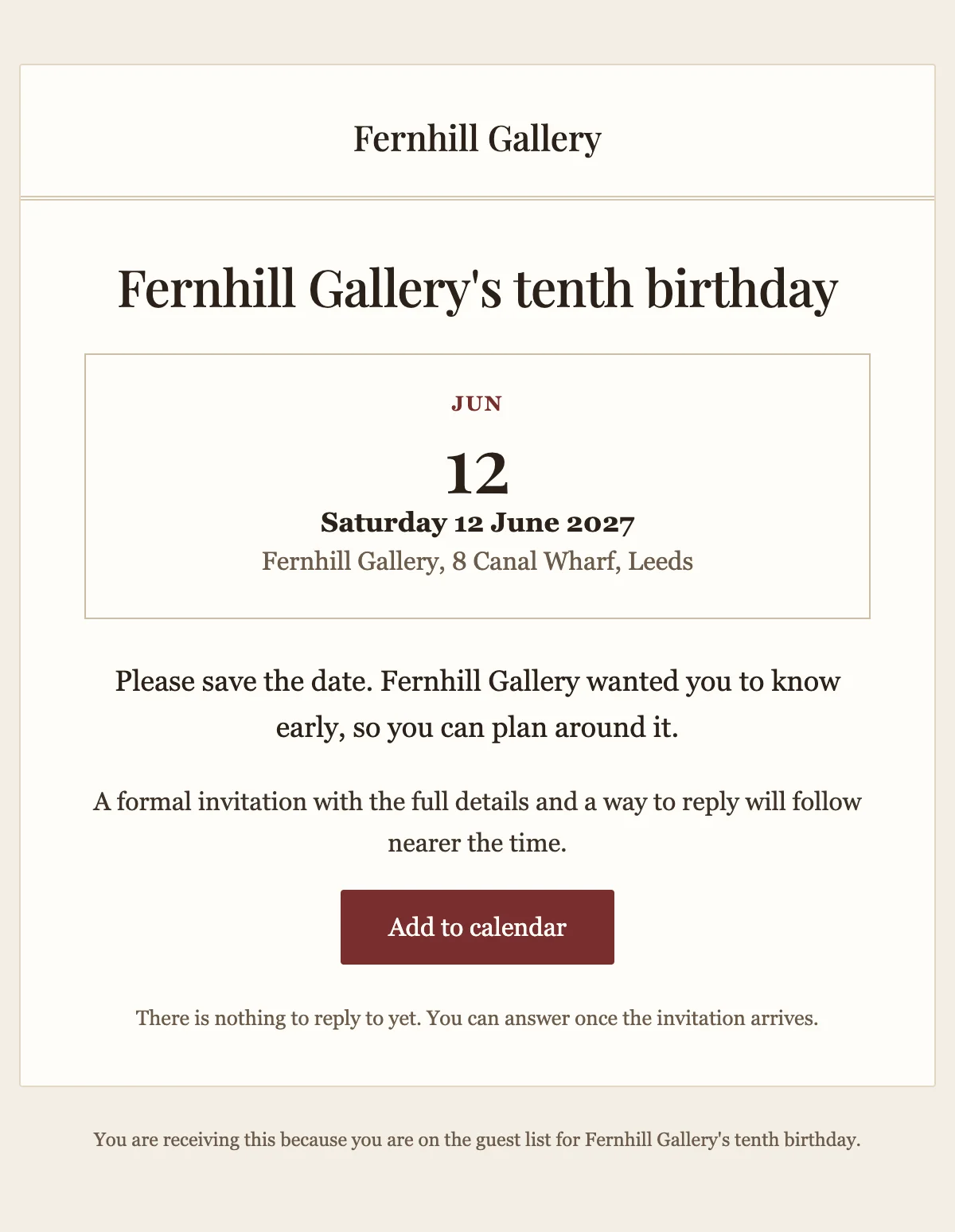
An early notice that puts the date first and lets guests add it to their calendar.
6 styles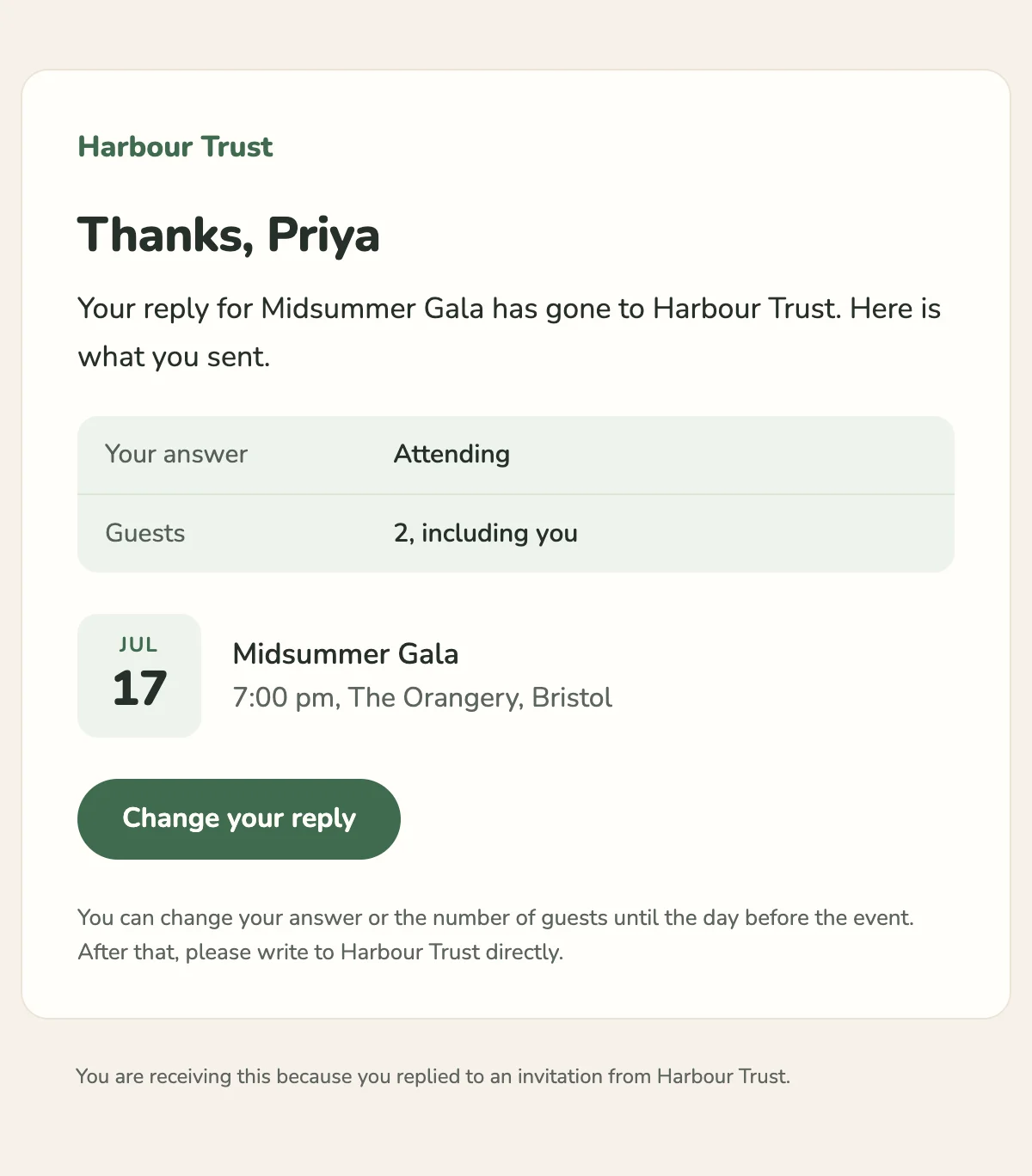
Confirms a guest's reply with their answer, the number of guests and a link to change it.
6 styles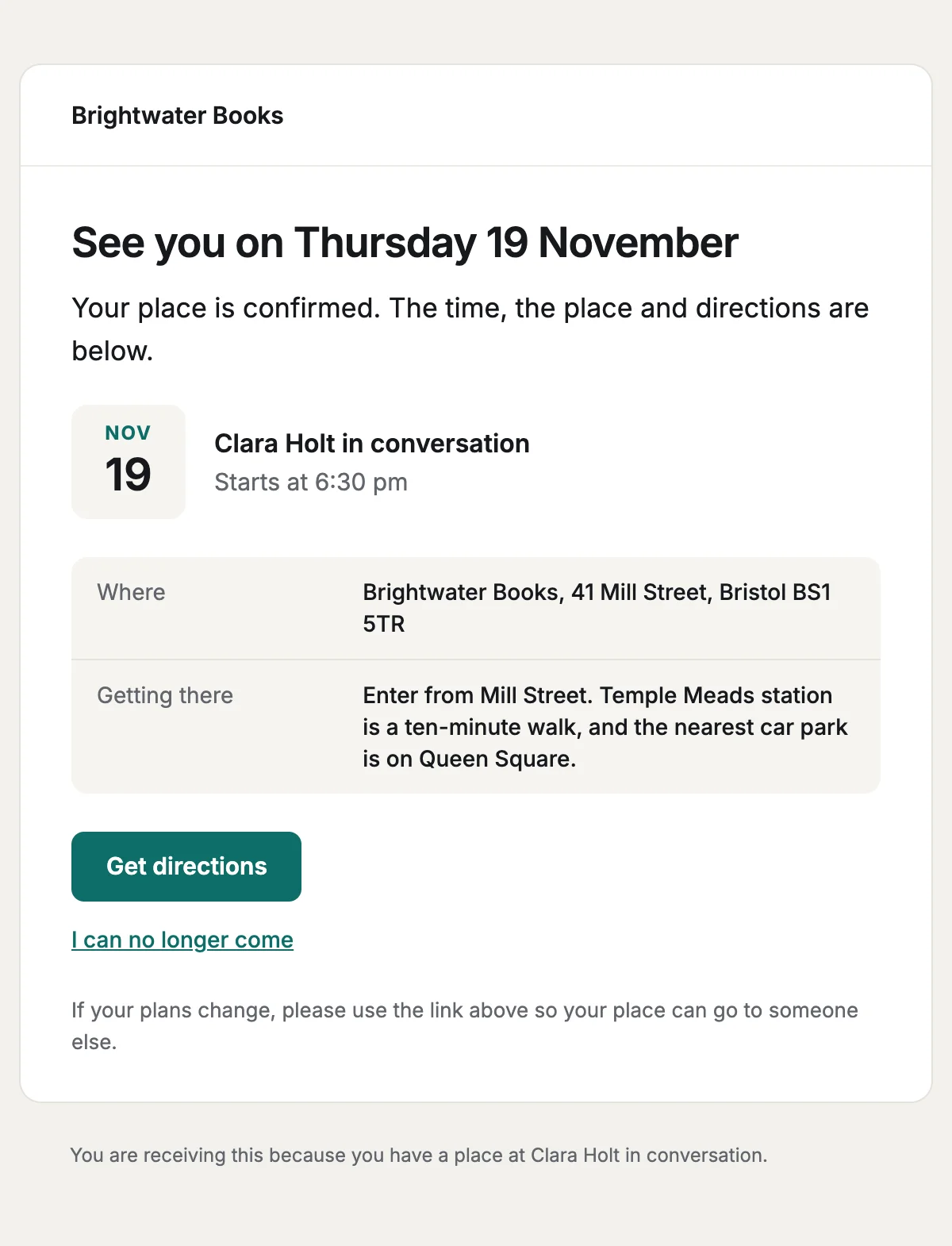
A reminder before the day with the time, the place and directions to the venue.
6 stylesStart from one
Every template opens in the editor as blocks you can move, restyle or delete, and sends through the API with the values filled in.
Fifteen minutes on video with the people who build Nextmail. Free, at a time you choose.
 Google Workspace